
AppSift · for Mac
A better way to find App Store apps.
Search the App Store with filters that actually narrow it, compare apps side by side, and get told when an app you want drops in price. For Mac, iPhone and iPad.
Free download · macOS 14 or later · Apple silicon and Intel · No account, no tracking
Find it
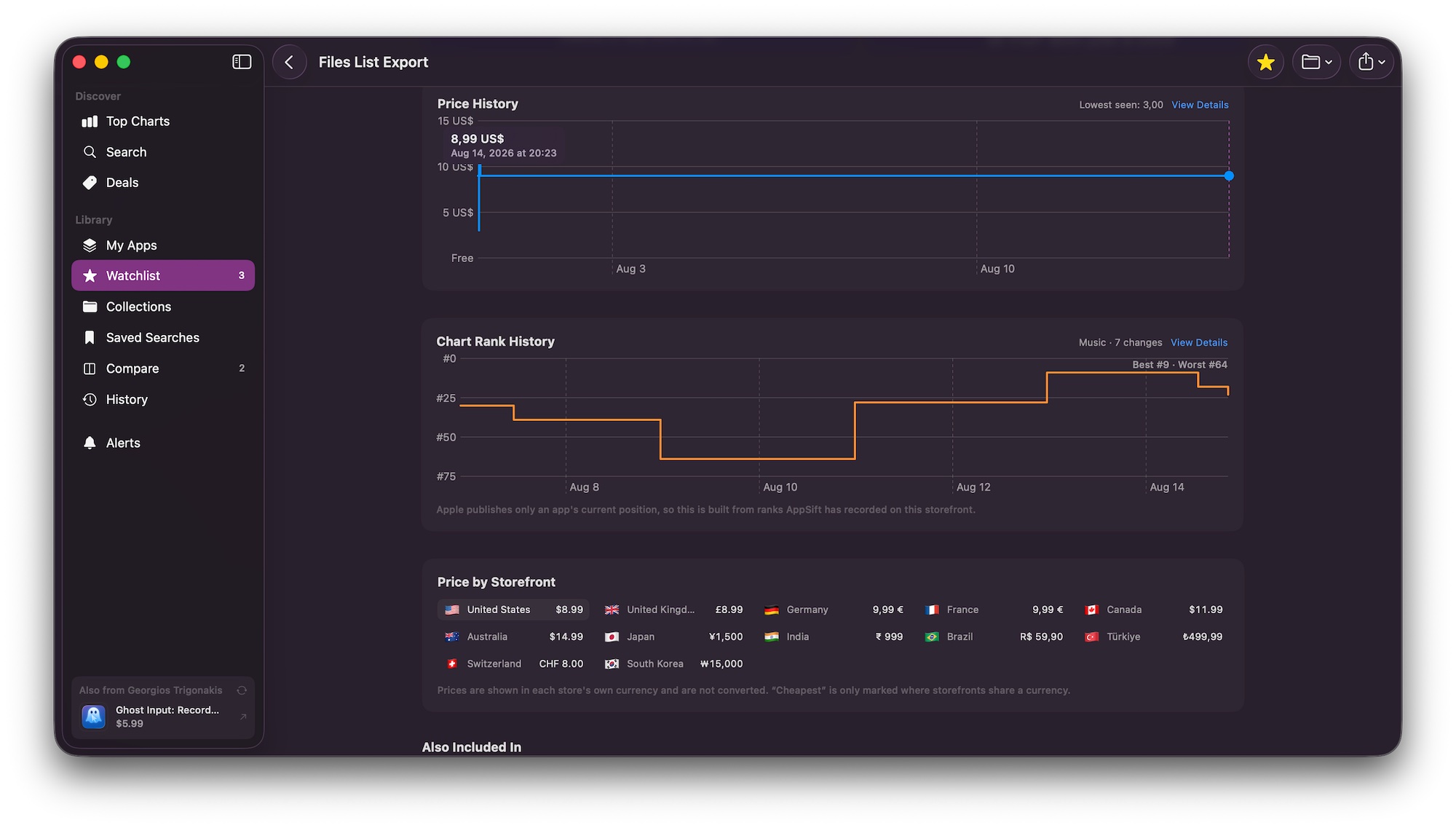
Search the App Store properly.
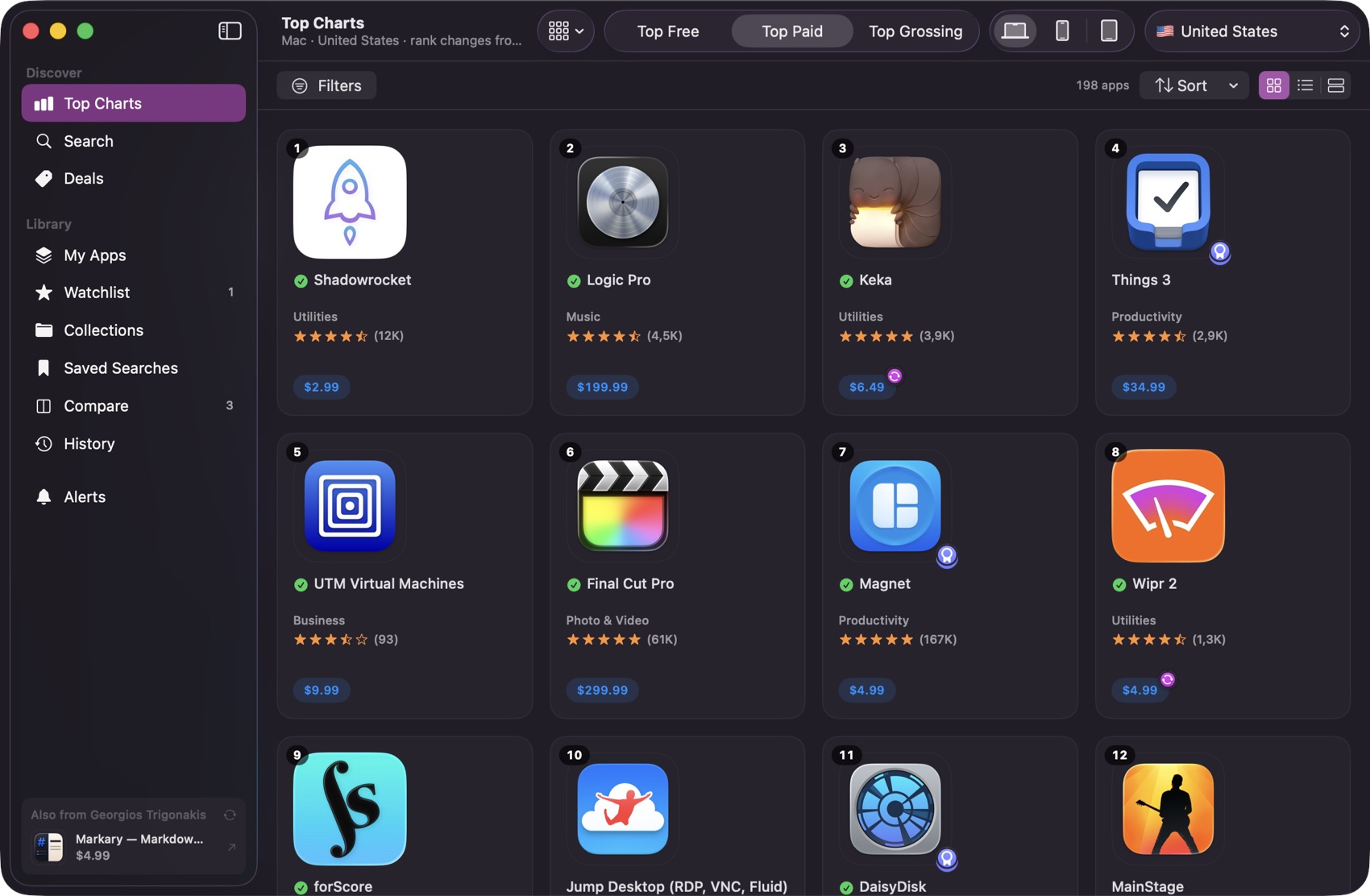
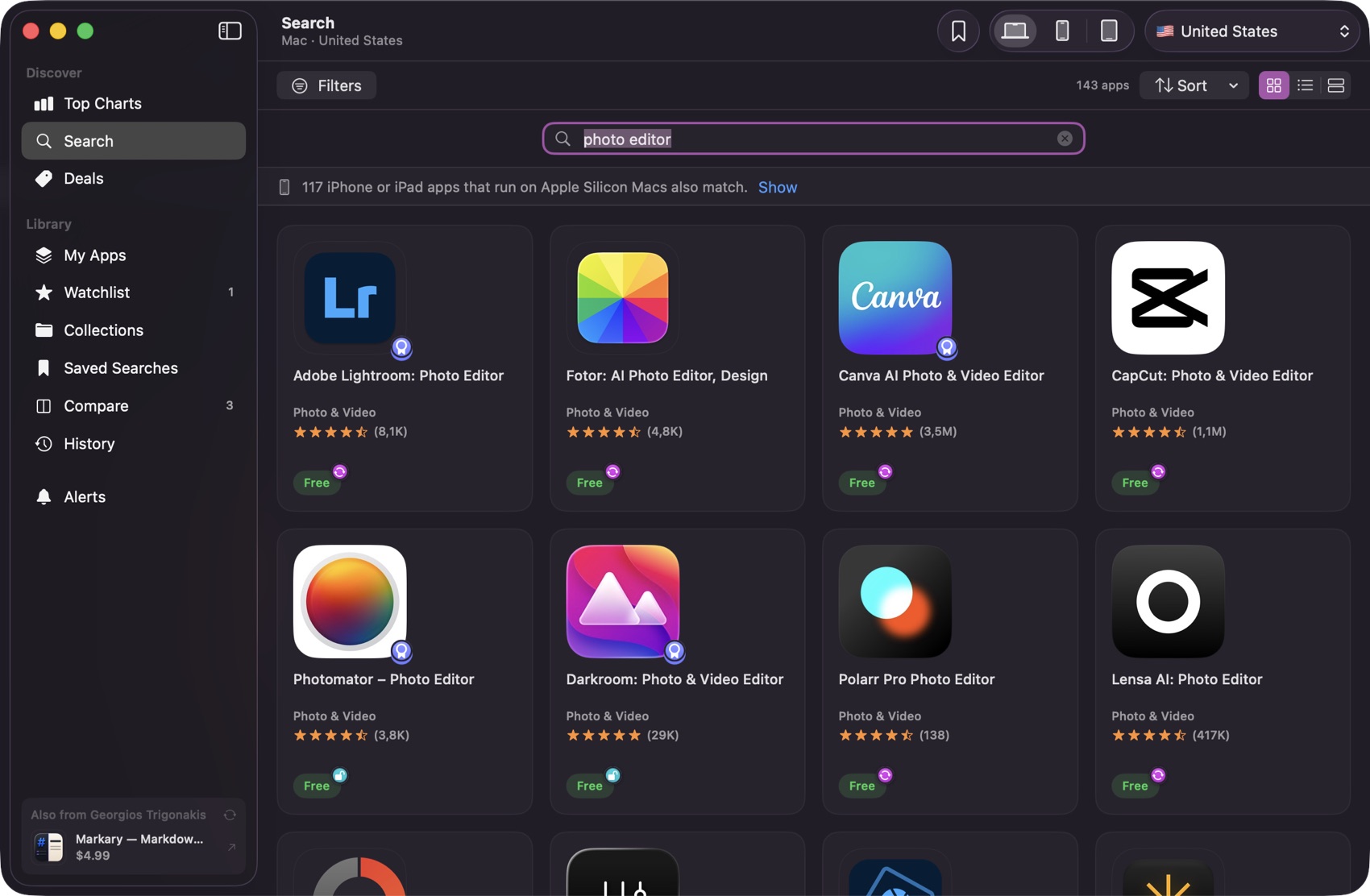
The whole catalogue, or the top charts for Mac, iPhone and iPad, with ratings and prices on every result, so a list can be judged without opening a single page.
- iPhone and iPad apps that run on Apple silicon, flagged separately
Narrow it
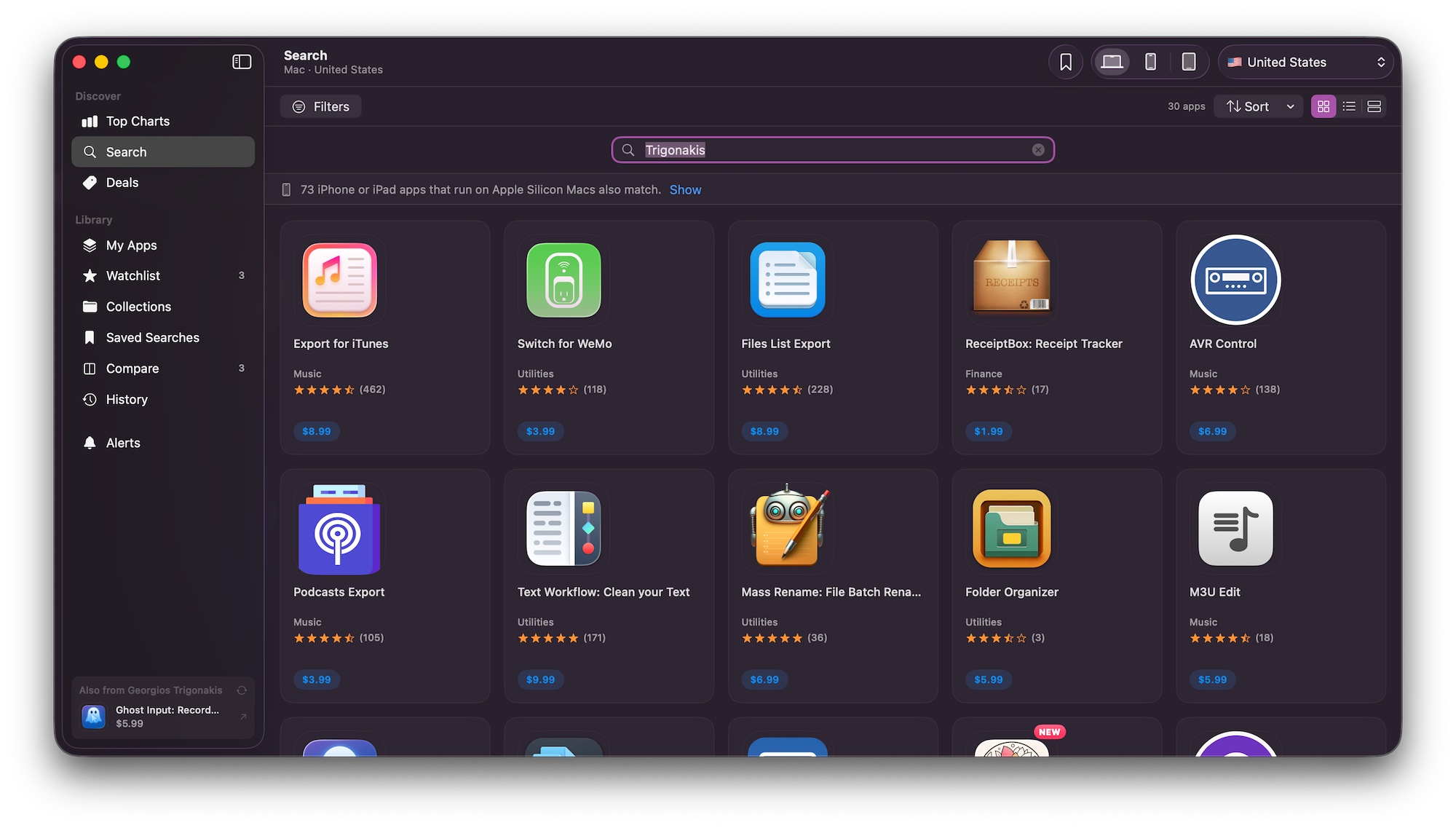
Filters the App Store doesn't have.
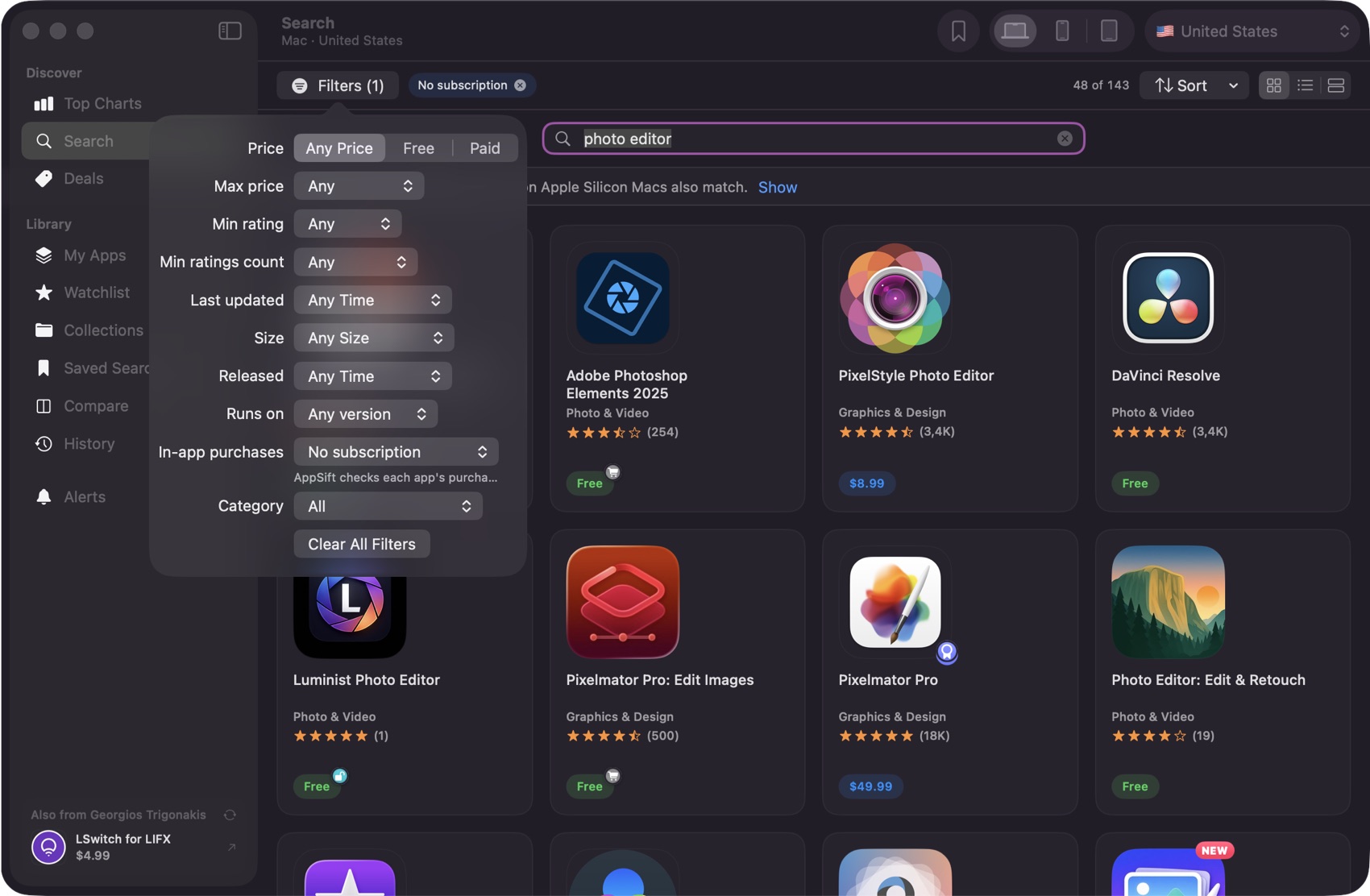
Hide anything with in-app purchases. Cap the price. Demand four stars. Drop apps nobody has updated in two years. Combine as many as you like, and the count updates as you go.
- One-time purchases only: no subscriptions, no in-app extras
- Released and last updated are separate filters, because they answer different questions
- Mac apps built for Apple silicon, or only the ones that still need Rosetta
Compare it
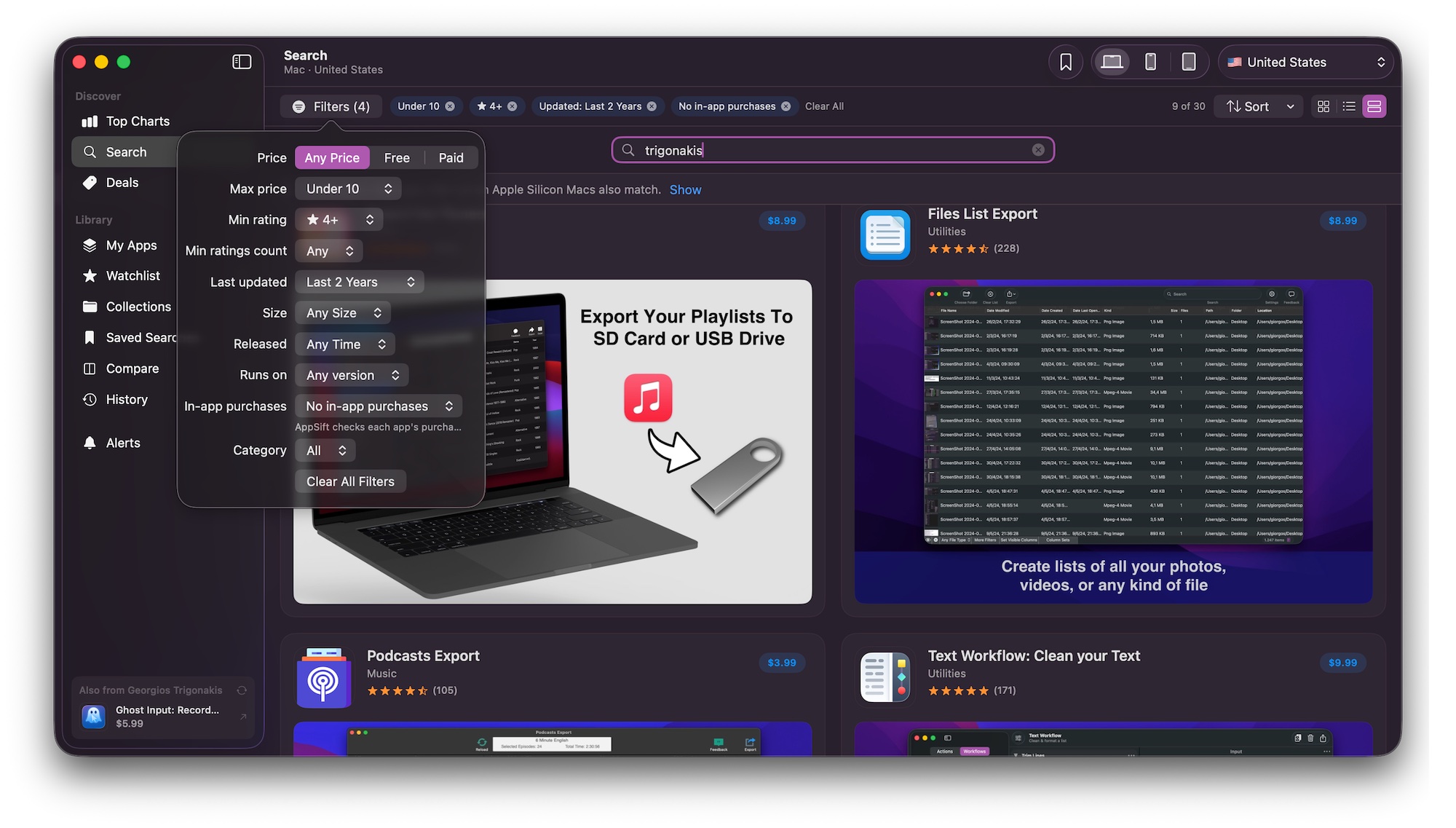
Two apps, side by side.
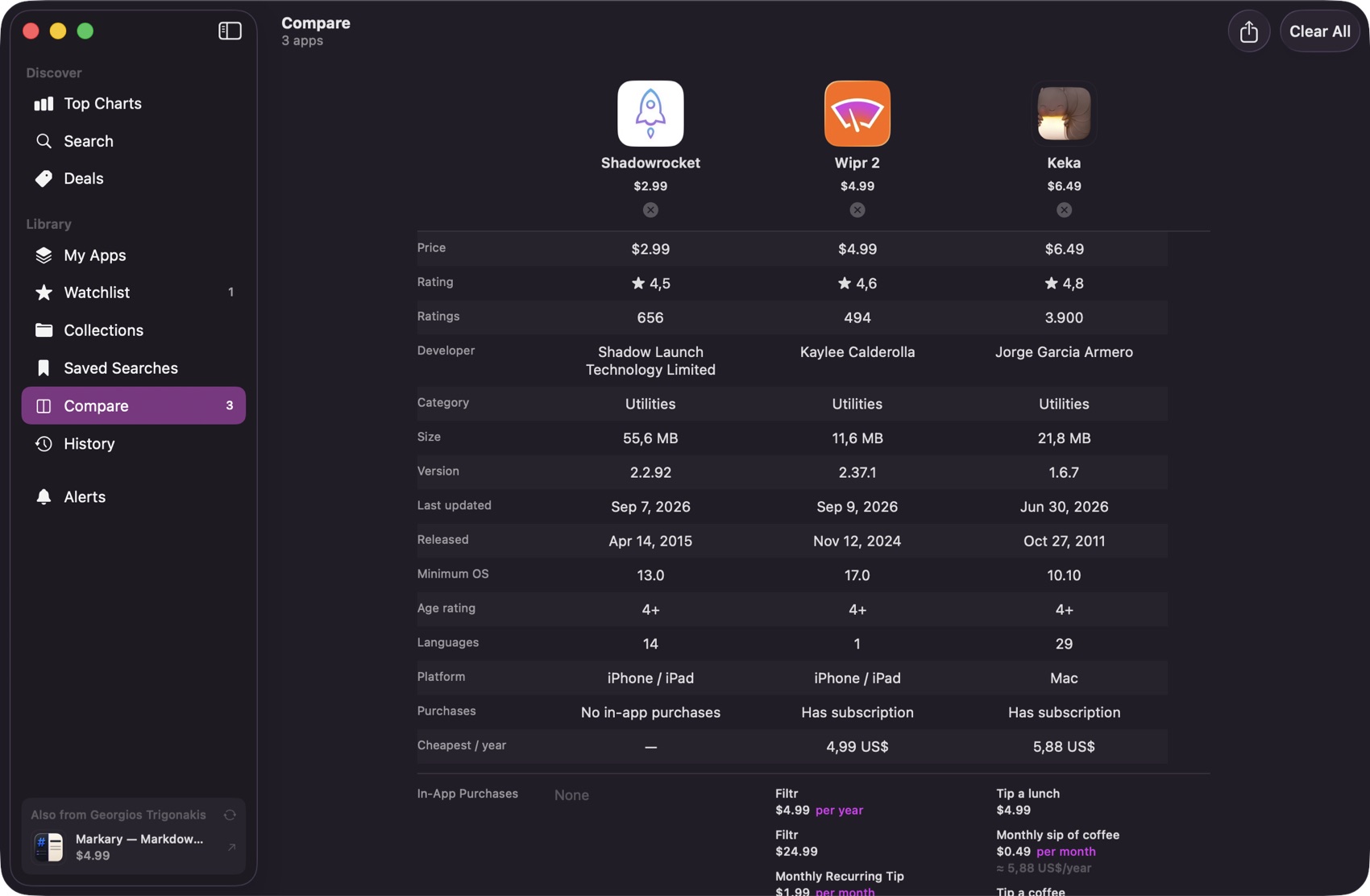
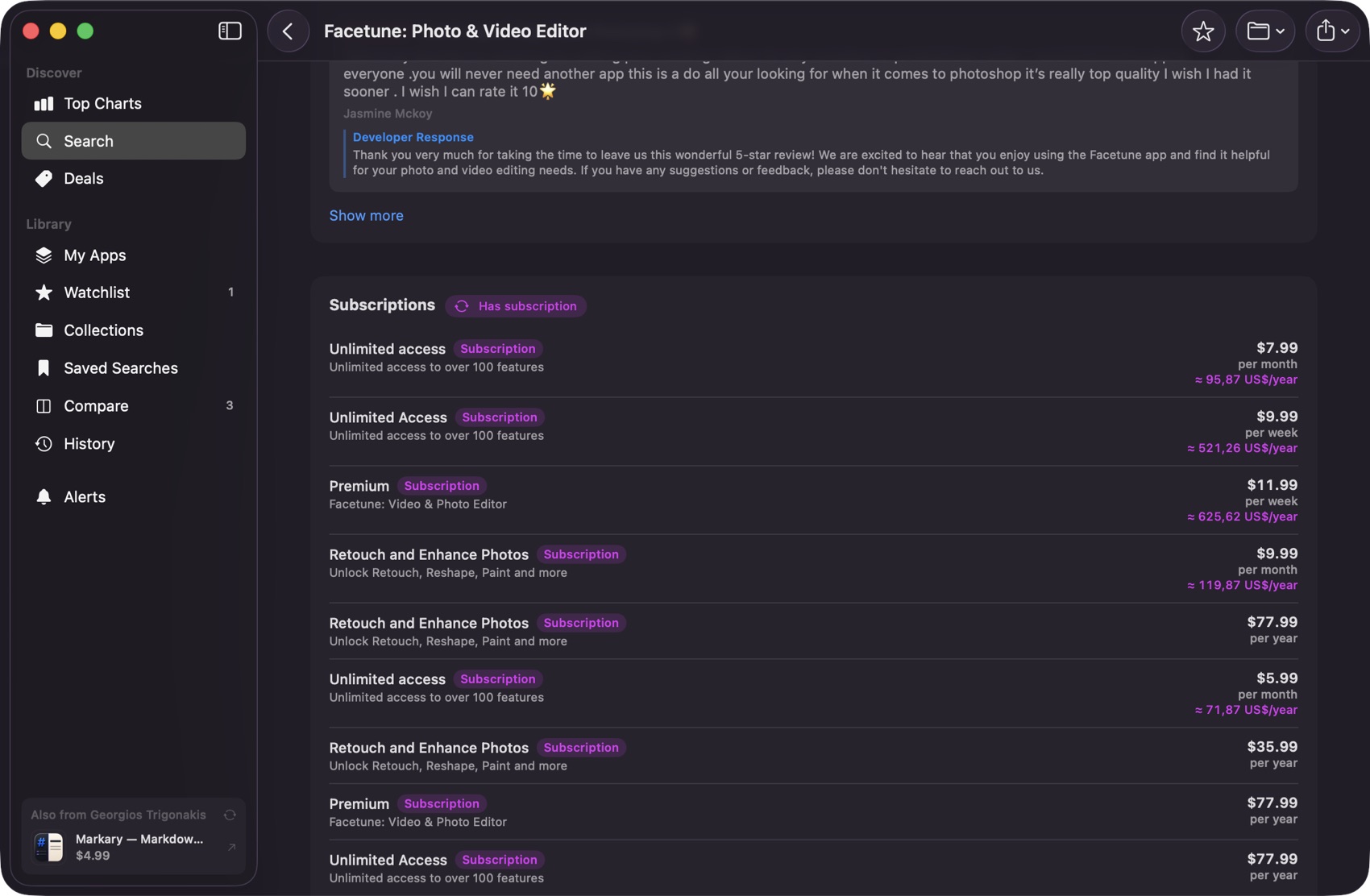
Price, rating, size, version, release date, minimum macOS, and every in-app purchase laid out in one table. Subscriptions get worked out to a cheapest-per-year figure, so a monthly price and an annual one can finally be compared.
- Cheapest per year, calculated rather than claimed
- Every tier listed, so a free app's actual cost is on the page too
Keep it
Room to research properly.
Comparing apps means holding several in your head at once, so AppSift opens as many windows as you want, and merges them into tabs when you would rather not lose the desktop. Everything you look at is kept, so picking a shortlist back up tomorrow costs nothing.
- Windows and tabs. Open any app in its own window with Option-Command-O, or as a tab with Option-Command-T
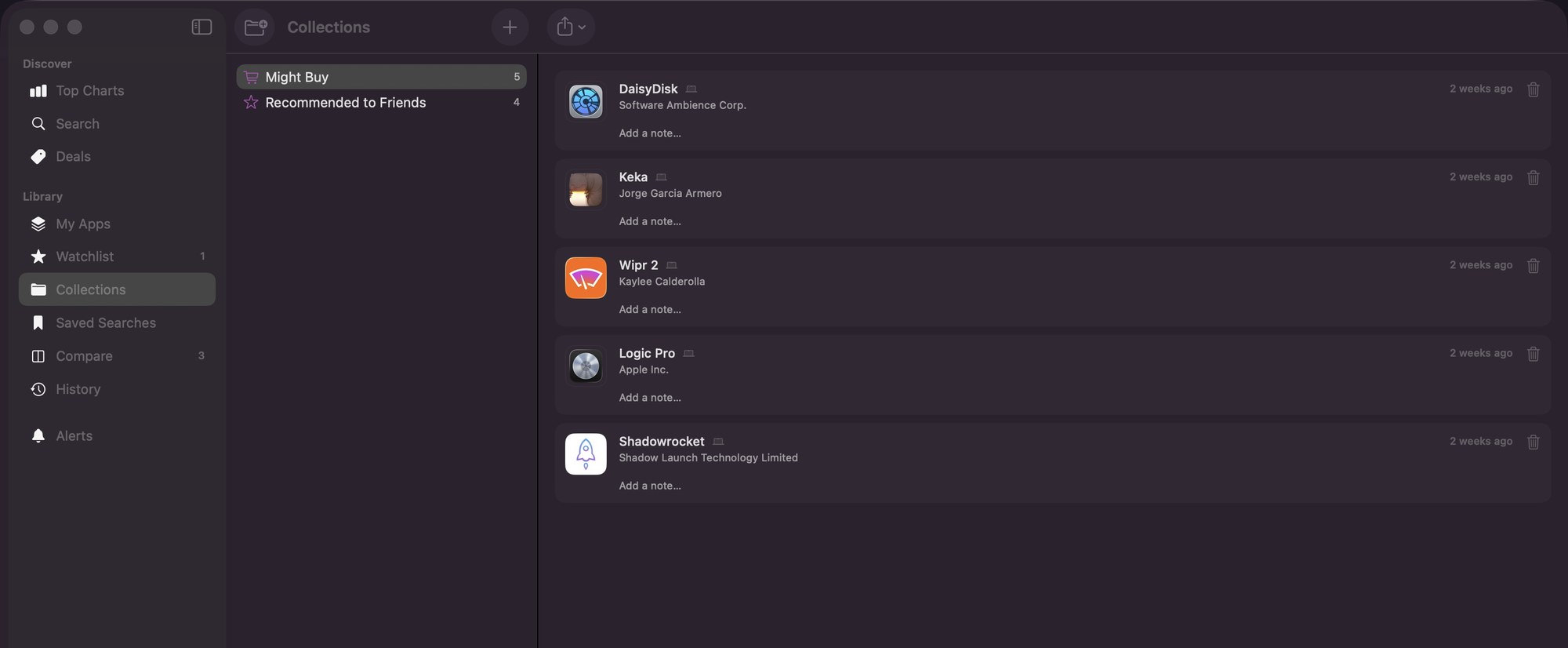
- Collections. Group apps however you think about them, with notes, and export the lot
- Saved searches. A filter set you tuned once is a sidebar item, not something to rebuild
- History. Every app you have opened, grouped by day, because that is how people remember having seen something
Script it
Ask it from Terminal, or let an AI agent.
AppSift works on the command line too. Search, compare, check price history, read reviews and browse the charts, as plain text or JSON. Install the included agent skill and tools like Claude Code know how to use it on their own.
- Real Mac ratings and yearly subscription costs, which Apple's own search API leaves out
- Your watchlist, My Apps and collections too, read only
- Nothing extra to install: the command line is the app itself
$ appsift compare 1091189122 904280696 1225570693
Comparing 3 apps (us)

Bear: Markdown Notes
  Price         Free
  Rating        4.3 (1,405)
  Subscription  $29.99 per year
  First year    $29.99

Things 3
  Price         $49.99
  Rating        4.7 (2,887)
  First year    $49.99

Ulysses: Writing App
  Price         Free
  Rating        4.6 (2,116)
  Subscription  $29.99 per year
  One-time      Perpetual License: $199.99
  First year    $29.99
A look inside
The whole store, on your terms.
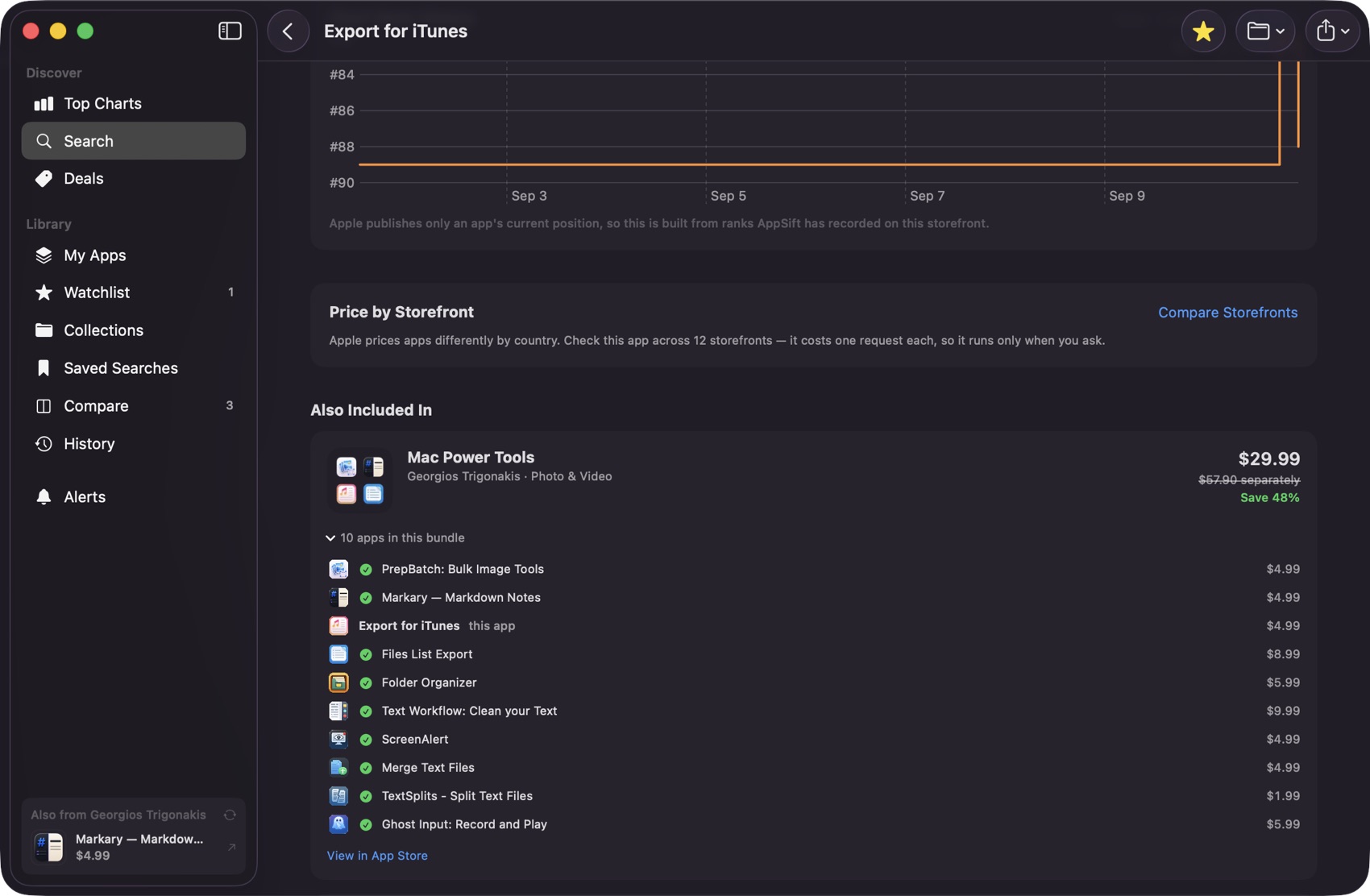
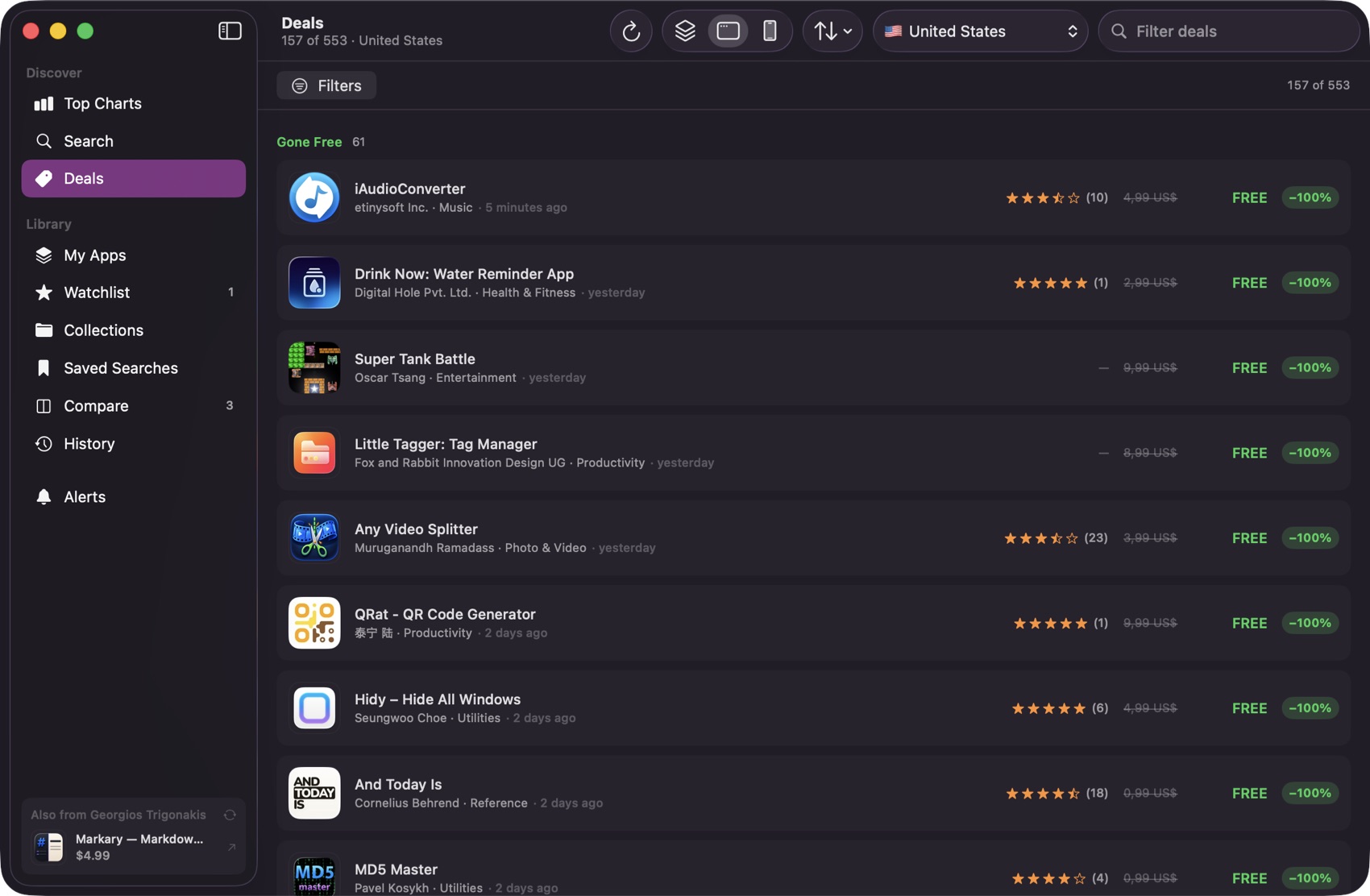
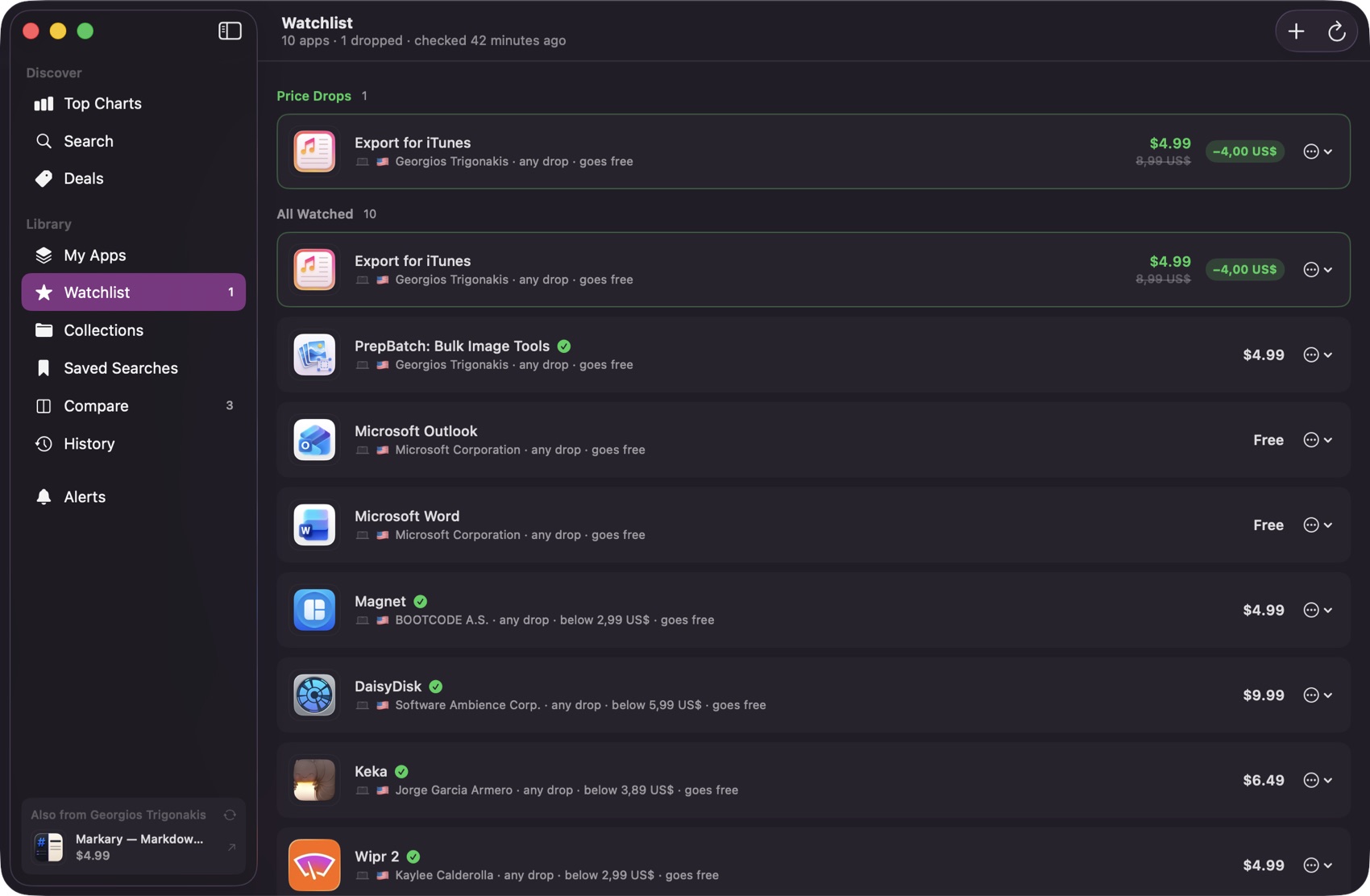
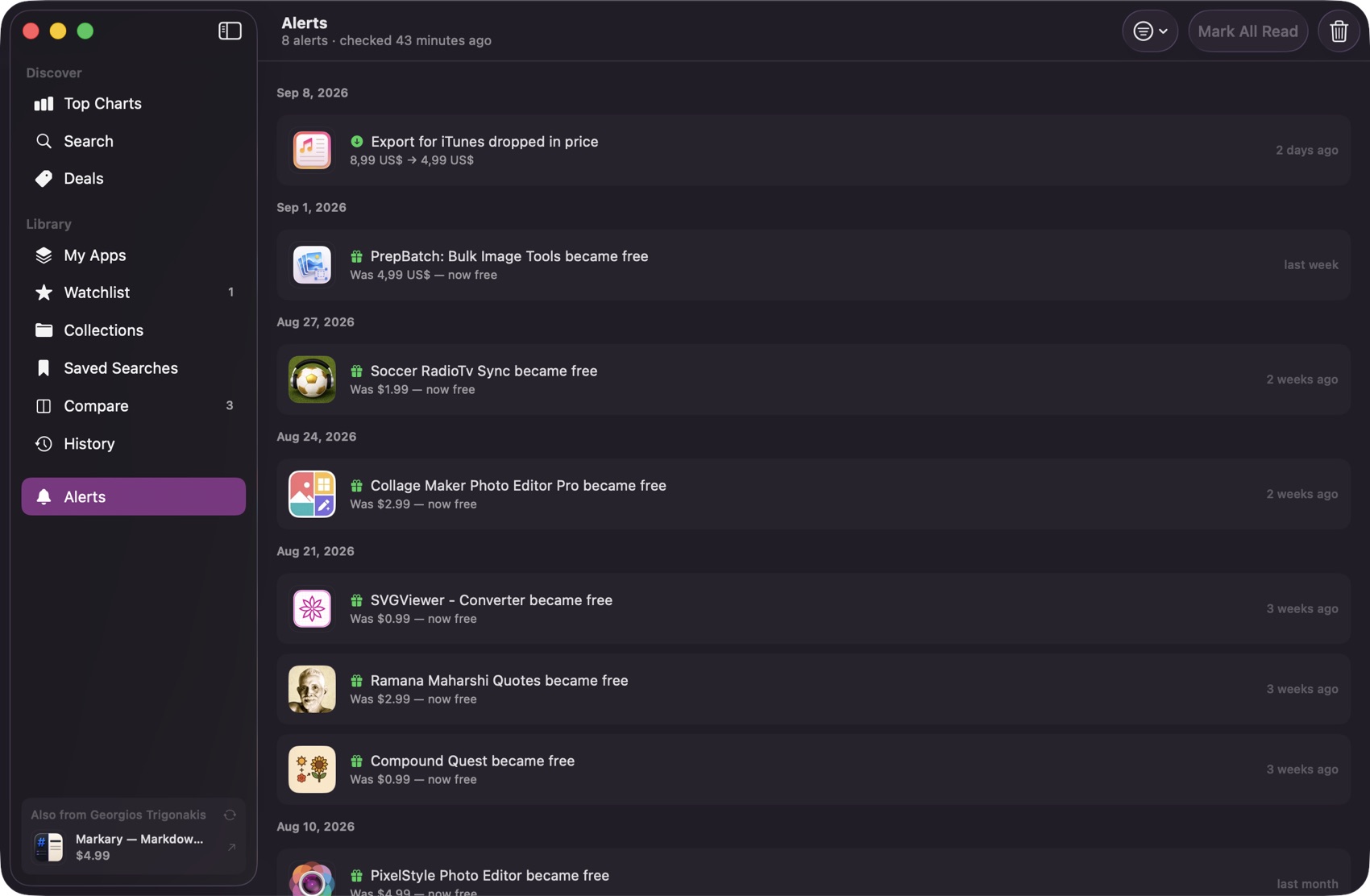
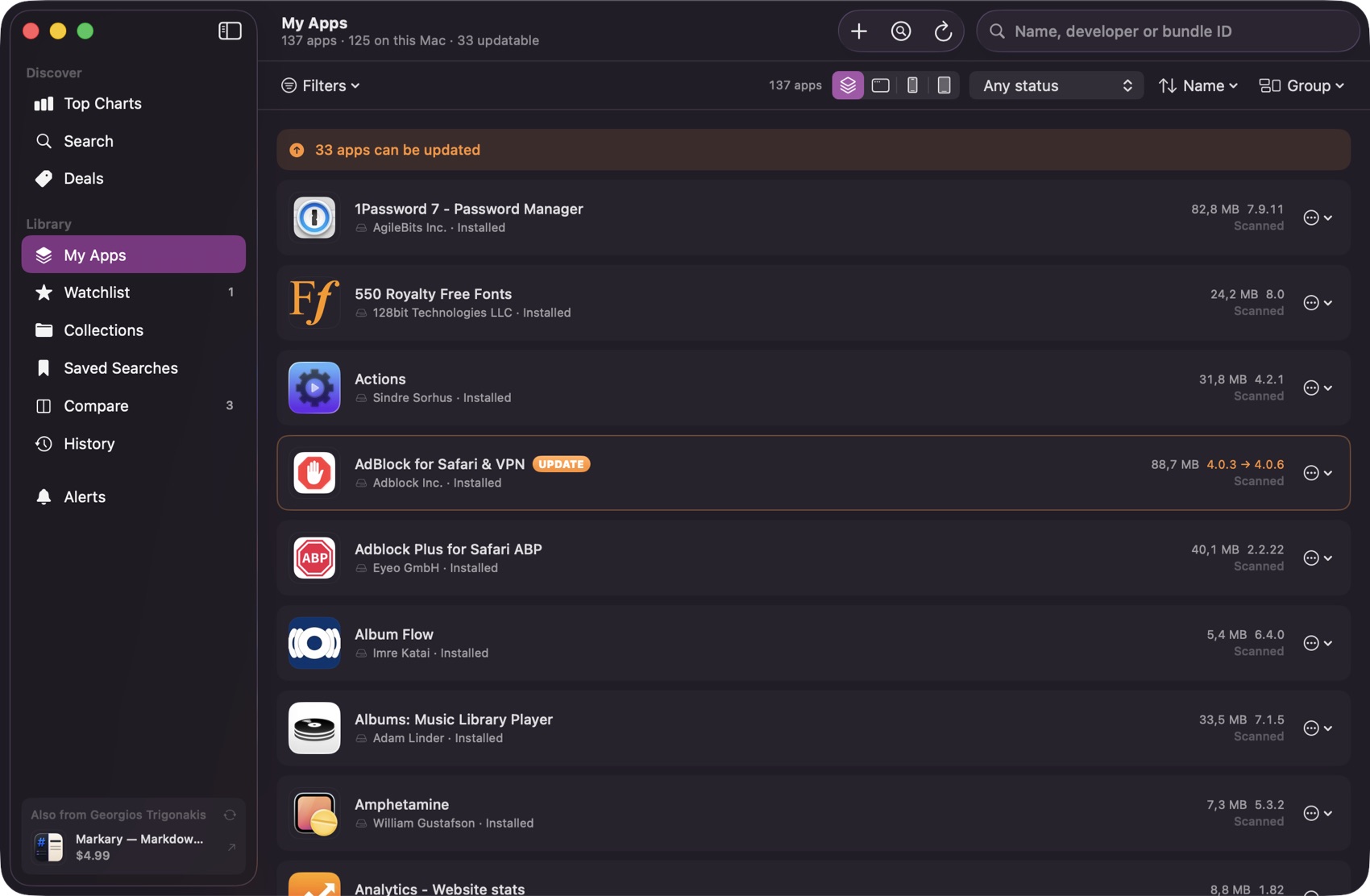
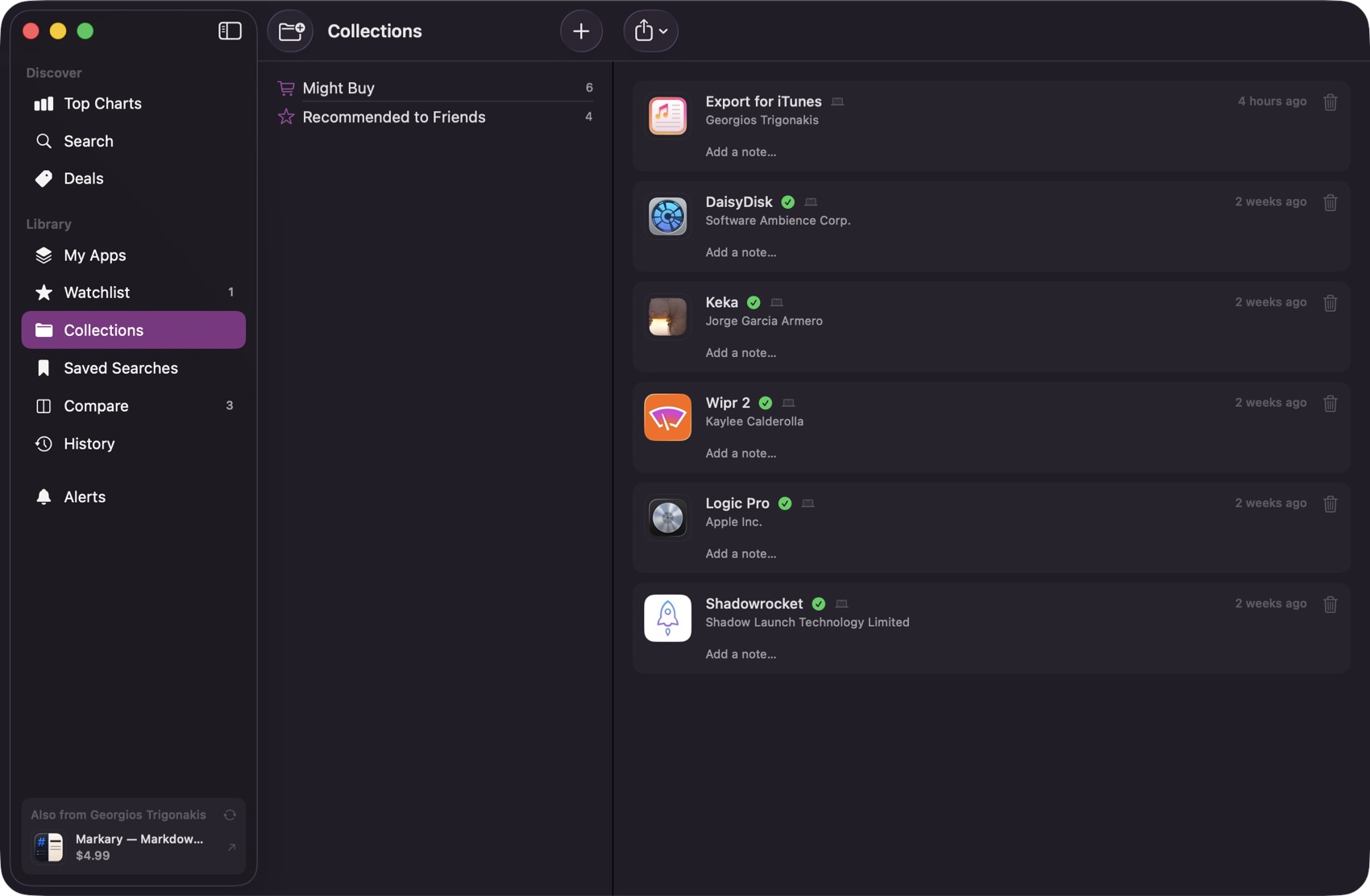
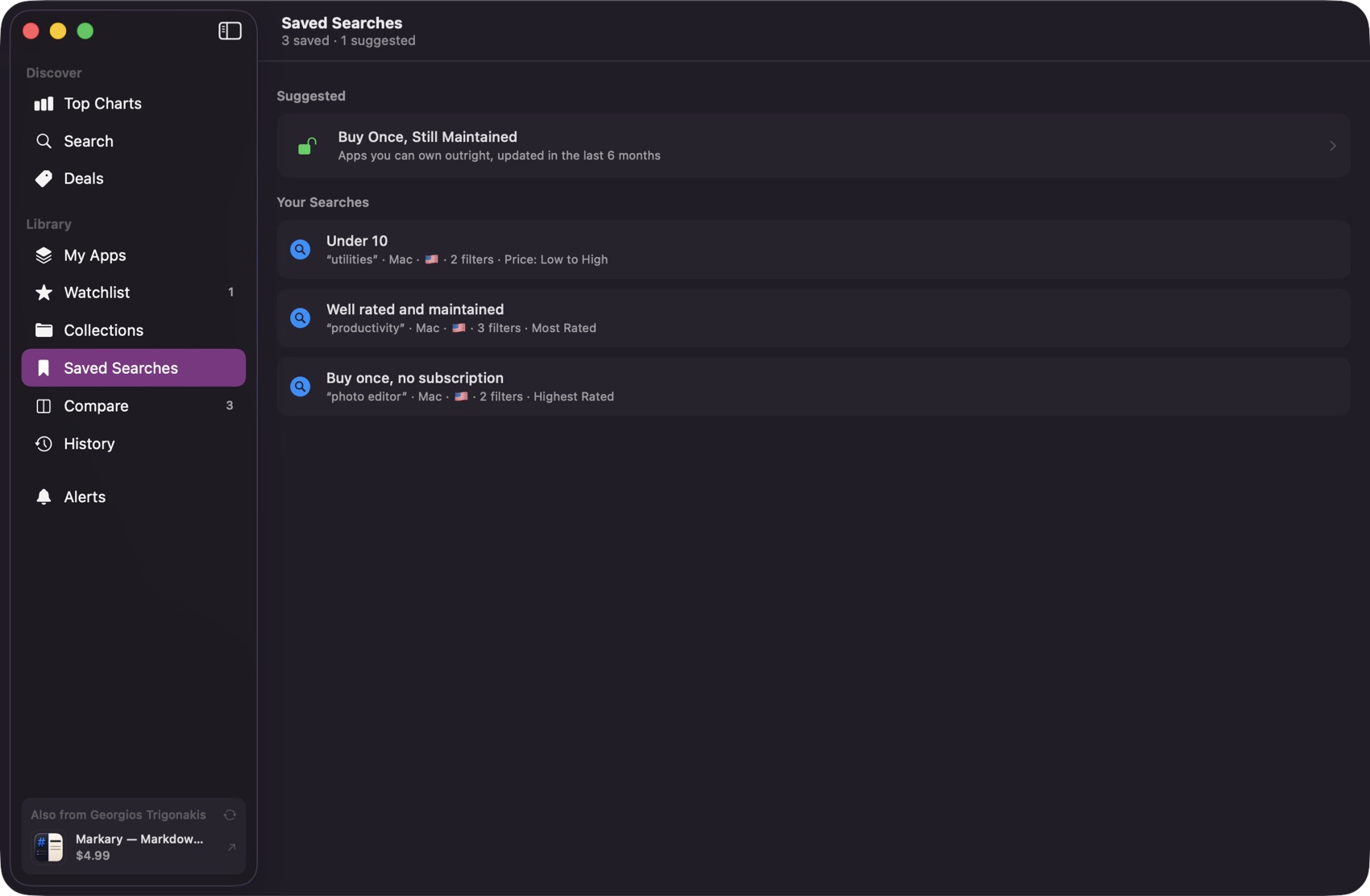
Built to answer one question: is this worth buying now?
App Store deals, price alerts and price history, all recorded by AppSift itself and kept on your Mac. Everything it claims, it can show you the working for.
Deals
A daily feed of App Store price drops, sorted by discount, price or date.
Price alerts
Told the moment a watched app falls, or goes free.
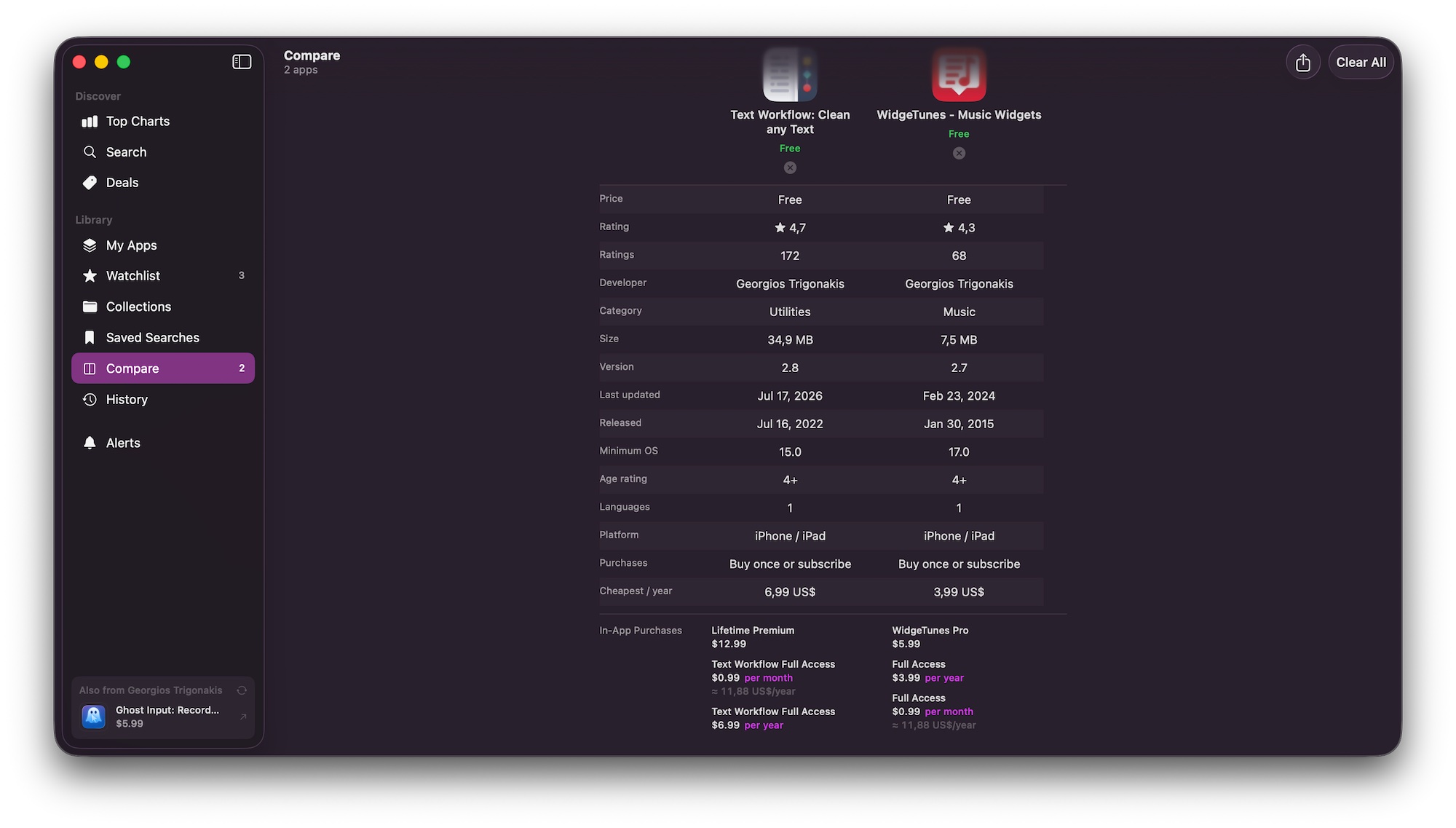
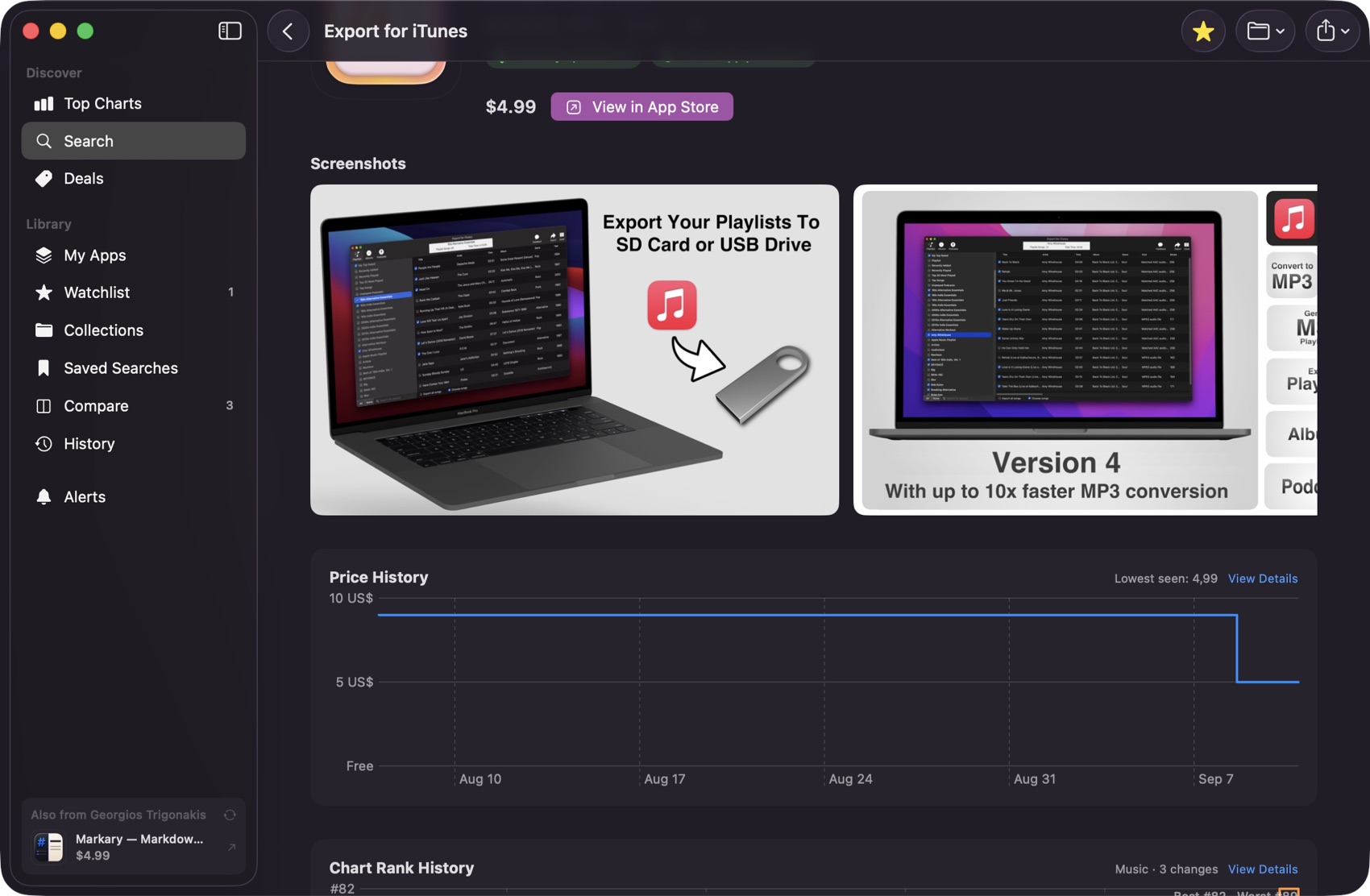
Price history
Recorded from the day you install, so before long today's price has something to be measured against.
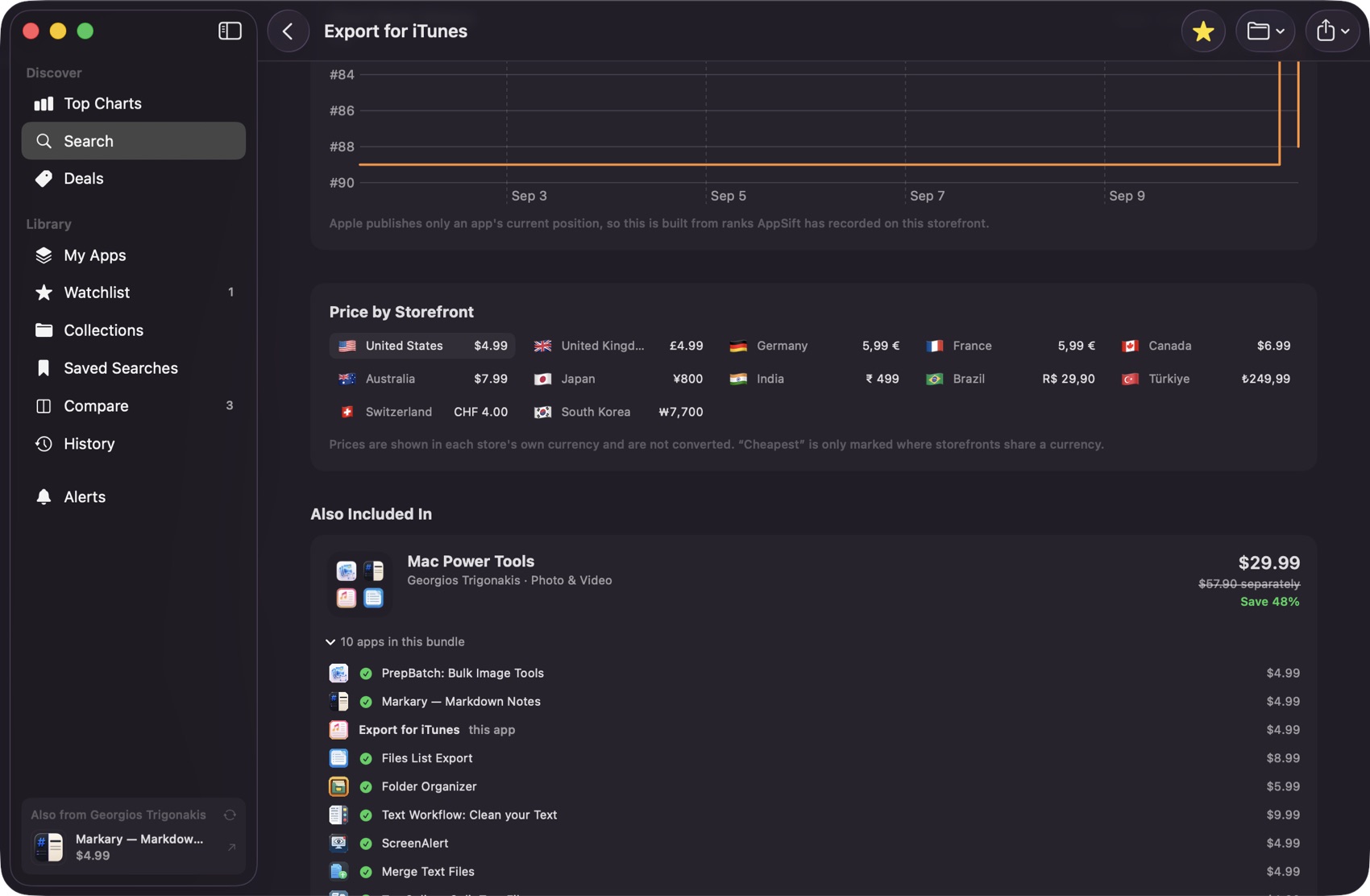
Every storefront
What the same app costs country by country, in each store's own currency.
Bundle savings
The bundle price against the total of its apps, added up rather than quoted.
My Apps
What you own, what's installed on this Mac, and which of them need updating.
Download AppSift
Free, for macOS 14 and later. Never miss a price drop on an app you want.