PrepBatch
Bulk image editing for Mac, done right.
Build a recipe of edits once — resize, crop, convert, compress, watermark, redact and rename — preview it live, then run it across hundreds of images at once. All on your Mac.
Everything in one pass
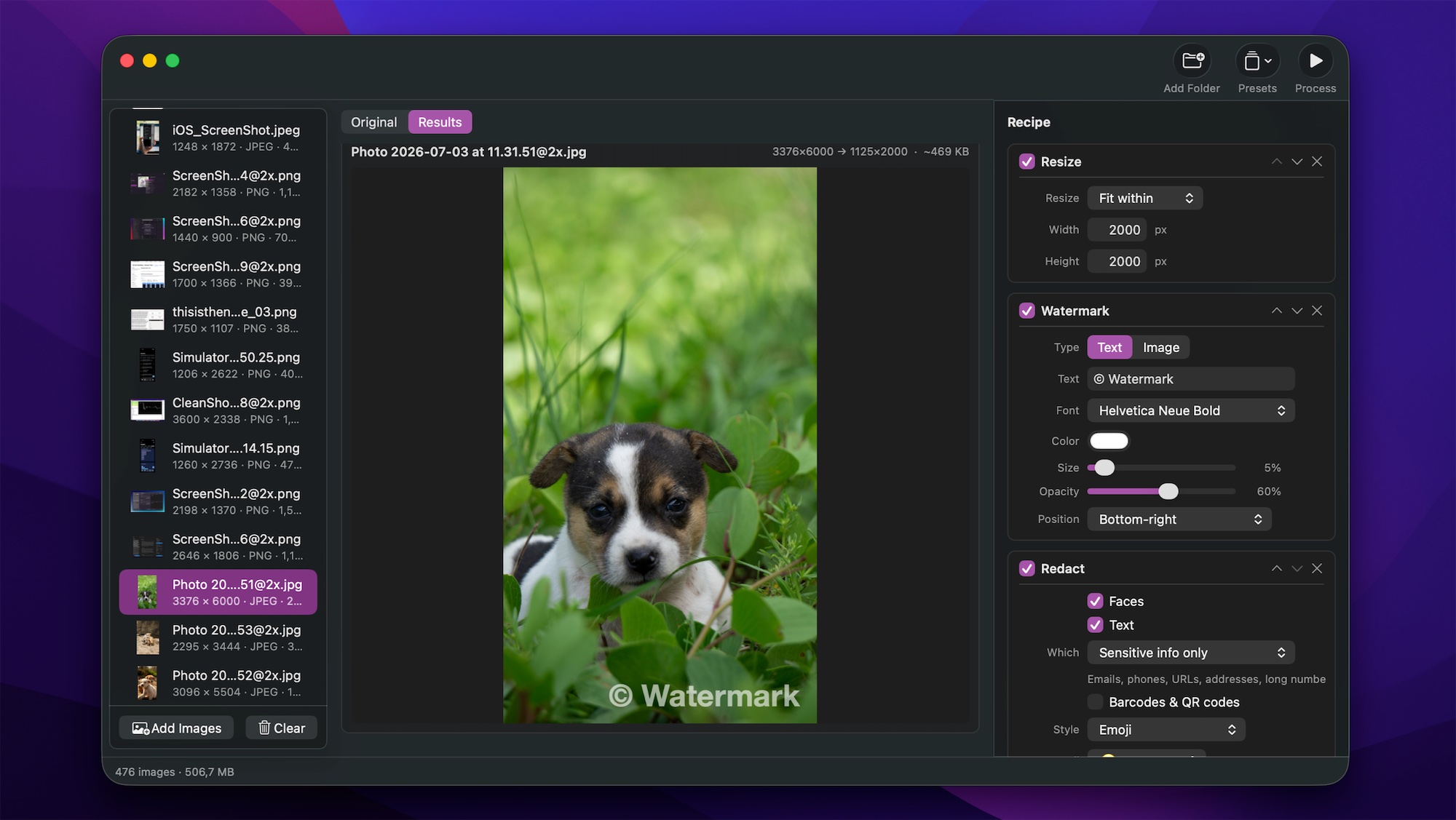
A recipe for your whole batch
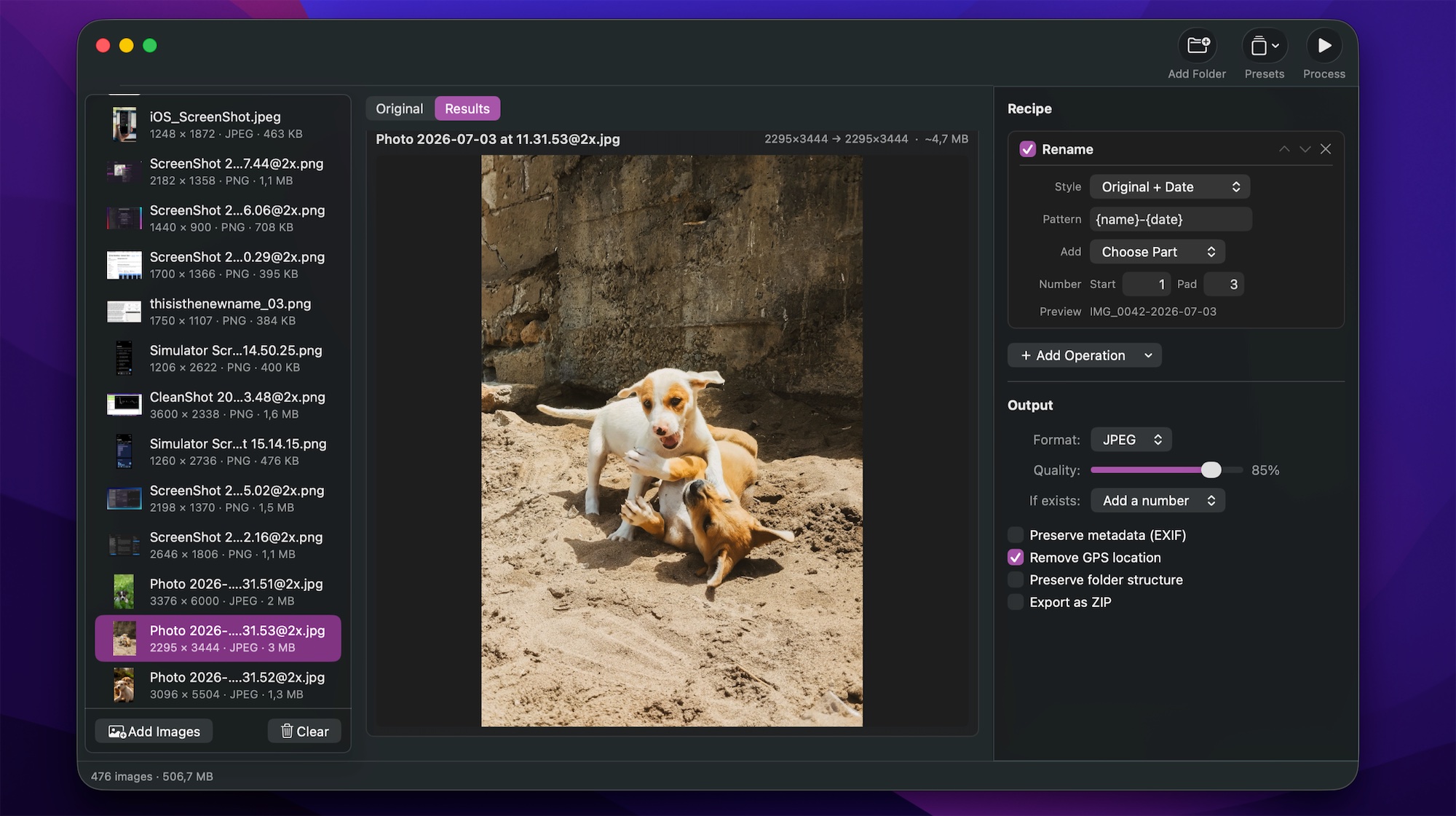
Stack operations in any order, see a live before/after preview with an estimated output size, then process every image in parallel.
Resize & crop
Fit, exact, max width/height or percentage. Aspect crops and content-aware smart crop.
Convert & compress
JPEG, PNG, HEIC, TIFF, WebP and AVIF with quality control and a live size estimate.
Watermark
Text or your own logo — drag to position, choose fonts, opacity and placement.
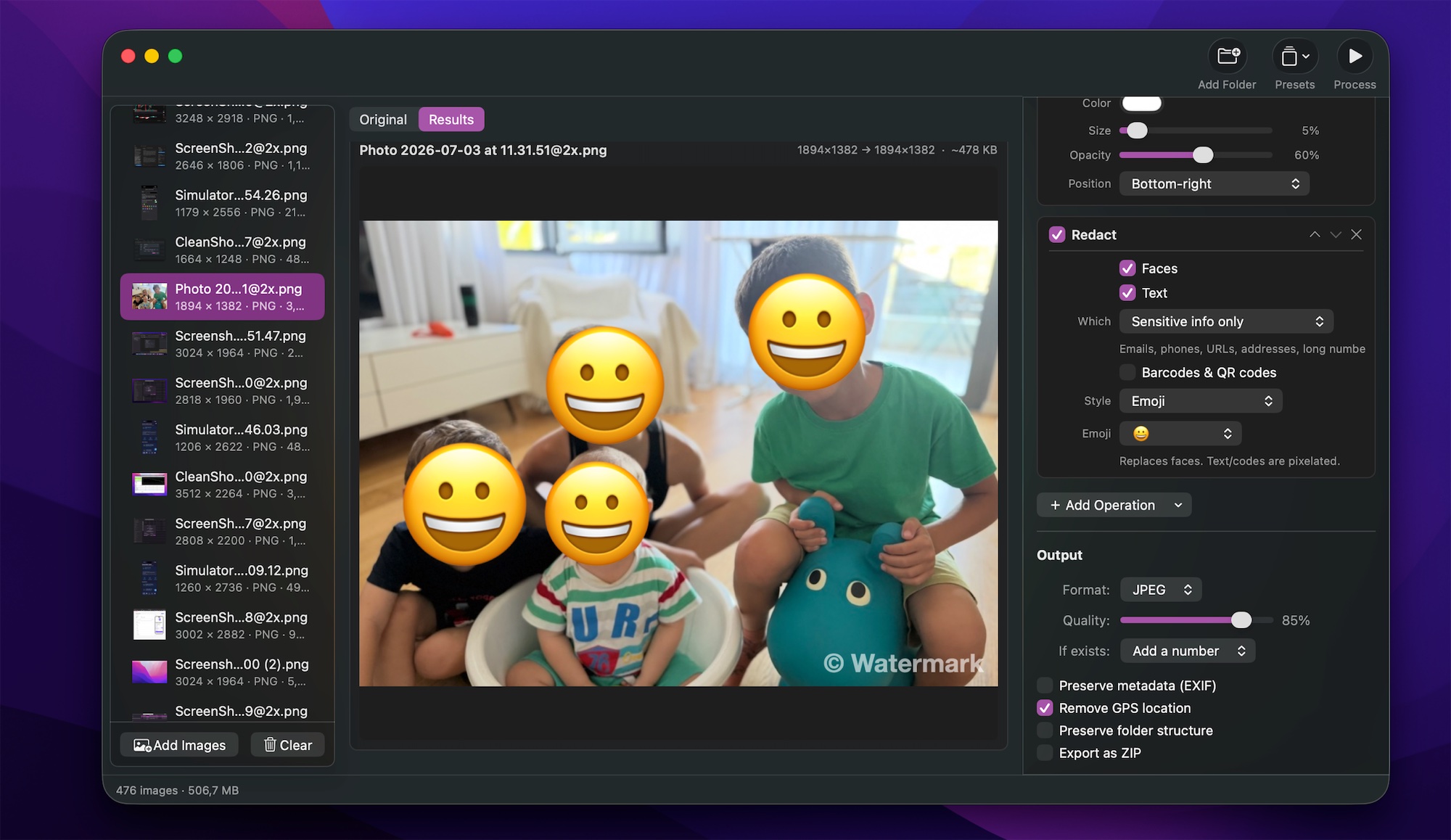
Redact
Blur, pixelate or emoji-cover faces, and hide emails, phone numbers, addresses and QR codes.
Remove background
Cut out the subject to a clean transparent PNG, powered by on-device Vision.
Rename & organize
Pattern-based renaming, preserved folder structure, ZIP export and EXIF/GPS control.
Preview before you commit
Every edit shows up instantly on the selected image, with the estimated output size — so there are no surprises across a thousand files.
- Live before / after preview
- Estimated output size per image
- Reorderable, collapsible operation cards
Private by design
Nothing leaves your Mac. Detection and processing run entirely on-device — no uploads, no accounts, no tracking.
- Redact faces & sensitive info
- Strip metadata & remove GPS location
- 100% offline, Apple-frameworks first
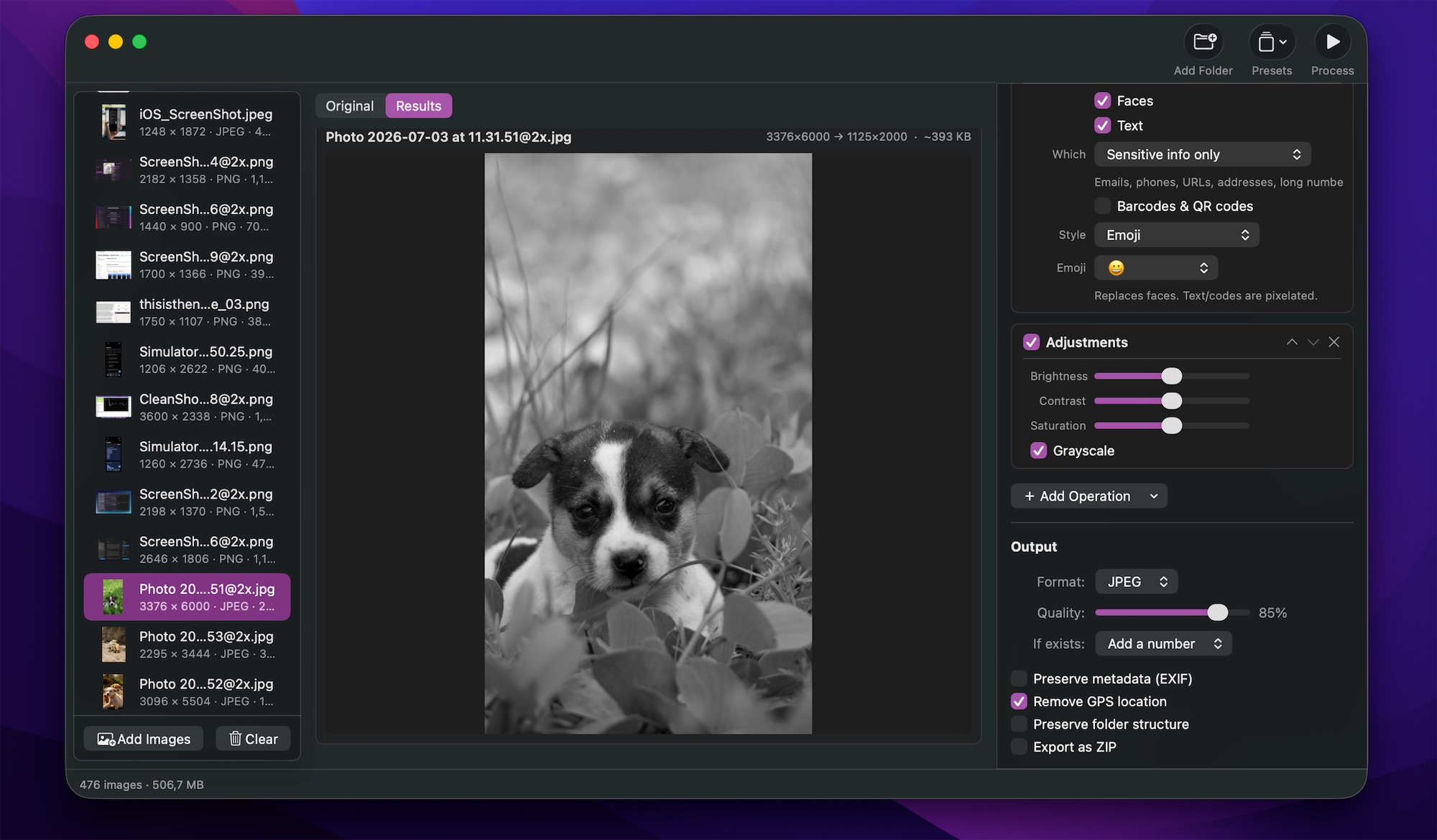
Presets & automation
Save a recipe once and reuse it in a click. Run PrepBatch from Shortcuts, the Services menu, or a Finder Quick Action.
- Built-in and custom presets
- “Process Images” Shortcuts action
- Services menu & Finder integration
Simple pricing
Free to start. Pro when you need it.
Try every Pro feature live in the preview before you buy. Pro is a single one-time purchase — no subscription.
Free
The essentials, for whole folders.
- Resize, crop, rotate & flip
- Color adjustments & borders
- JPEG, PNG, HEIC, TIFF
- Rename patterns & presets
- Remove GPS / strip metadata
Pro
Everything, unlocked forever.
- Watermark (text & logo)
- Remove background & redact
- Smart rotate
- WebP & AVIF export
- Folder structure & ZIP output
- Save custom presets
Prep hundreds of images in one pass.
Fast, native, and private — right on your Mac.
Download on the Mac App Store