IdenticalCheck
Compare two files instantly. Know if they're identical with a single drag and drop.
Get It NowSimple File Comparison
IdenticalCheck is a menu bar app for macOS that lets you compare two files by dragging them onto the icon. It calculates checksums to verify if files are identical, giving you instant visual feedback.
No complicated interfaces. No file dialogs. Just drag, drop, and know.
See It In Action
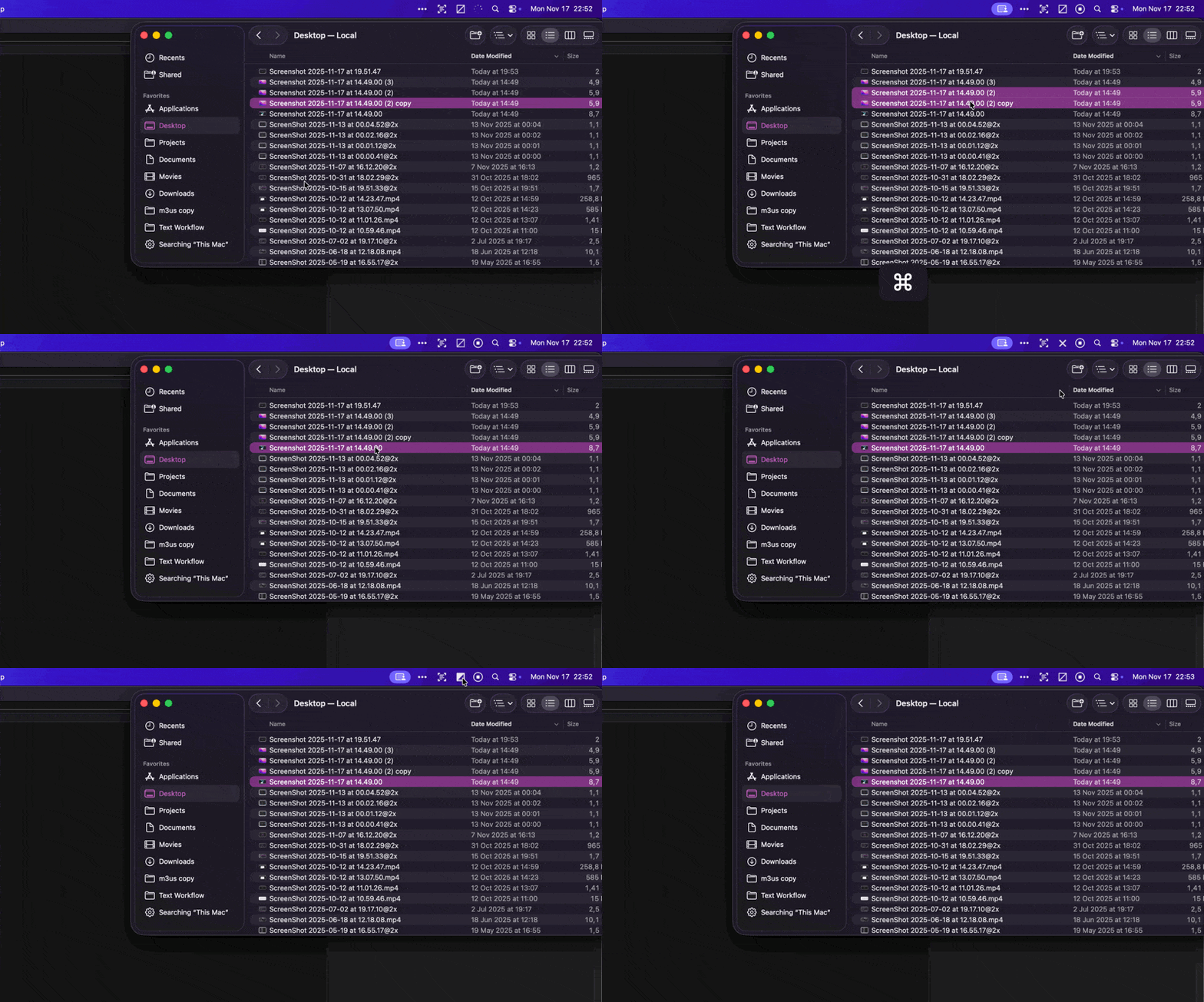
What It Does
Drag and Drop
Drop one or two files onto the menu bar icon. Works with any file type. No need to open the app or navigate through folders.
Checksum Verification
Uses SHA256 checksums to compare files byte-by-byte. If the checksums match, the files are identical.
Instant Feedback
See results immediately. The icon changes to show if files match or differ. No popups or alerts to dismiss.
Menu Bar Only
Lives in your menu bar. No dock icon, no windows. Stays out of your way until you need it.
One or Two Files
Drop one file, then another. Or drop both at once. The app handles both workflows seamlessly.
Launch at Login
Option to start automatically when you log in. Always ready when you need to compare files.
How It Works
Drag Files
Drag one or two files onto the IdenticalCheck icon in your menu bar.
Automatic Check
The app calculates SHA256 checksums for both files in the background.
See Results
The icon changes to show if files are identical or different. That's it.