 Folder Organizer · for Mac
Organize your files in seconds
Point it at your Downloads, your Desktop, or a folder full of scans. Choose how you want things grouped, check the plan, and let it do the rest. Nothing moves until you approve it — and one click puts everything back.
Requires macOS 14 or later. No network access — your files never leave your Mac.
It knows an invoice from a receipt
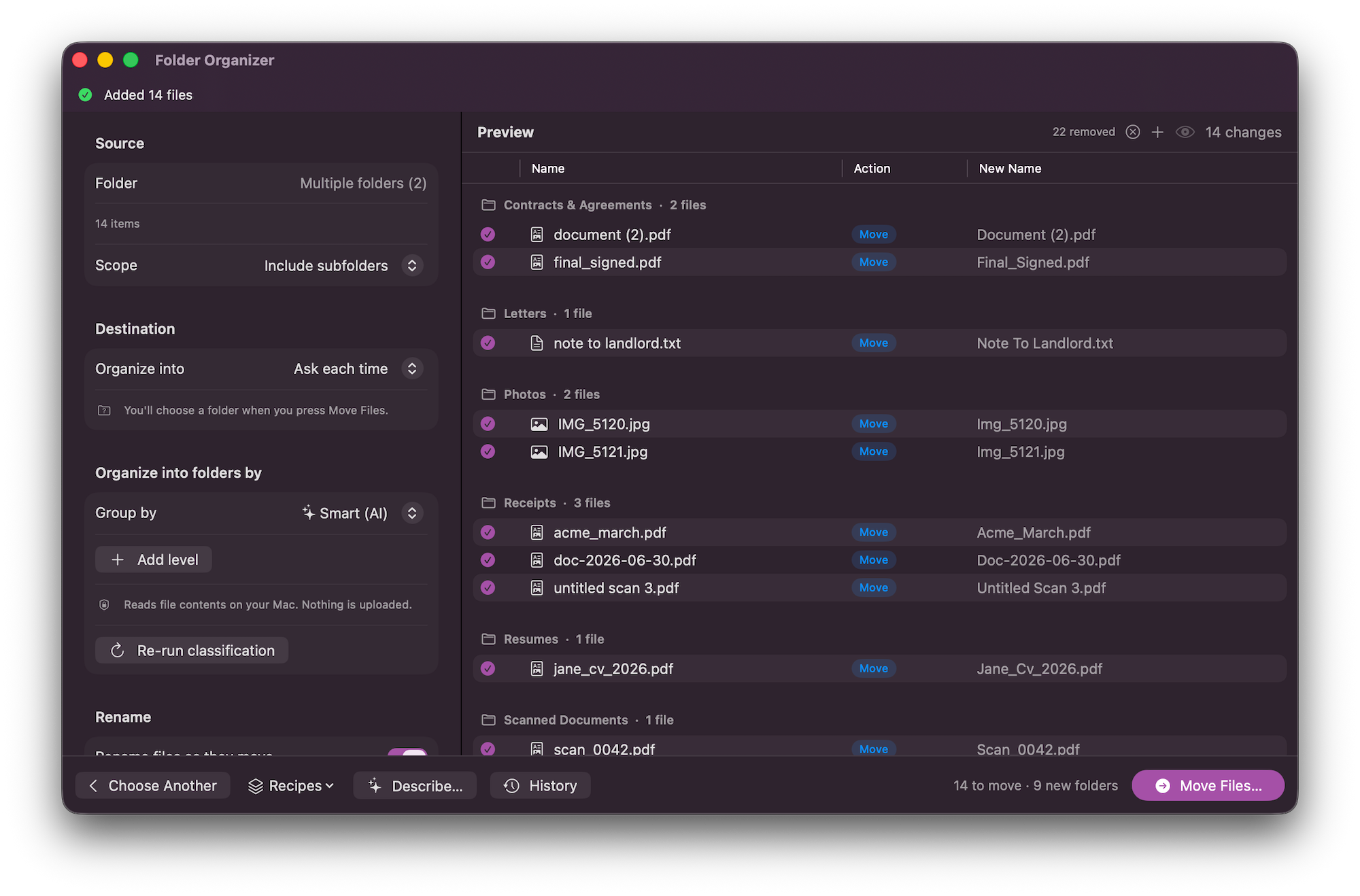
Choose Smart and Folder Organizer reads what's inside your files — the text in a PDF, the words on a scan — then files each one by what it actually is: invoices, receipts, contracts, bank statements, tax forms, screenshots, photos.
- Files are read on your Mac and never uploaded
- Got one wrong? Change it in the list before you apply
New files can file themselves
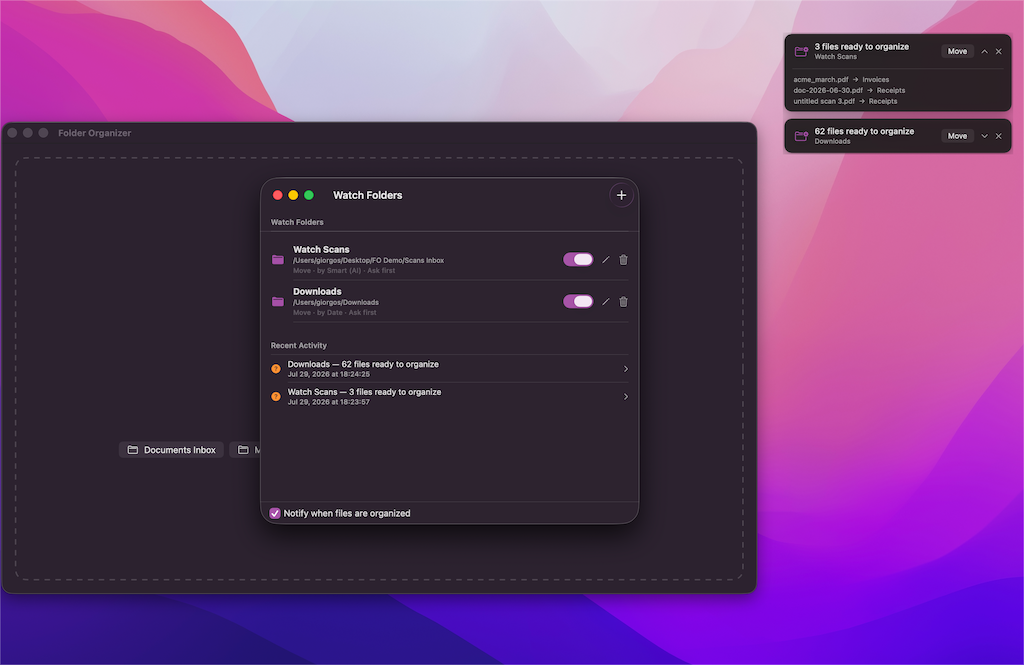
Point a rule at Downloads, or at the folder your scanner drops into, and new arrivals get sorted as they land. Prefer to stay in charge? Turn on Ask First and a small alert appears in the corner showing exactly what's about to move, with a button to approve it.
- Runs quietly from the menu bar
- Every automatic run is undoable too
Undo anything, even later
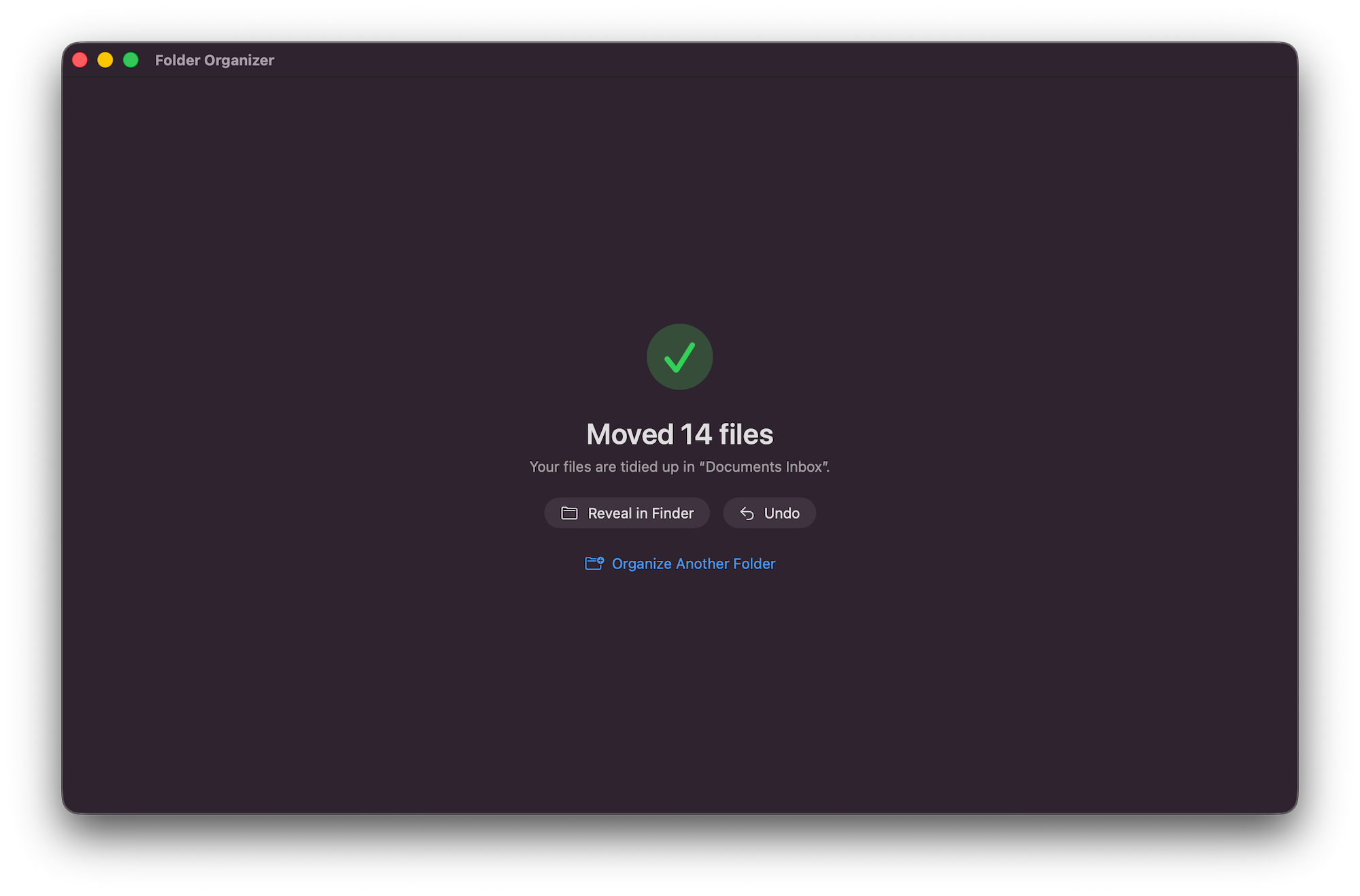
Every run is written to a history you can come back to. Reverse the one you just did, or a run from last week — even after quitting and reopening the app. Moving hundreds of files should never be a leap of faith.
- Files go back to their original names and places
- Emptied folders are cleaned up, and restored on undo
Built the way a Mac app should be
Group your way
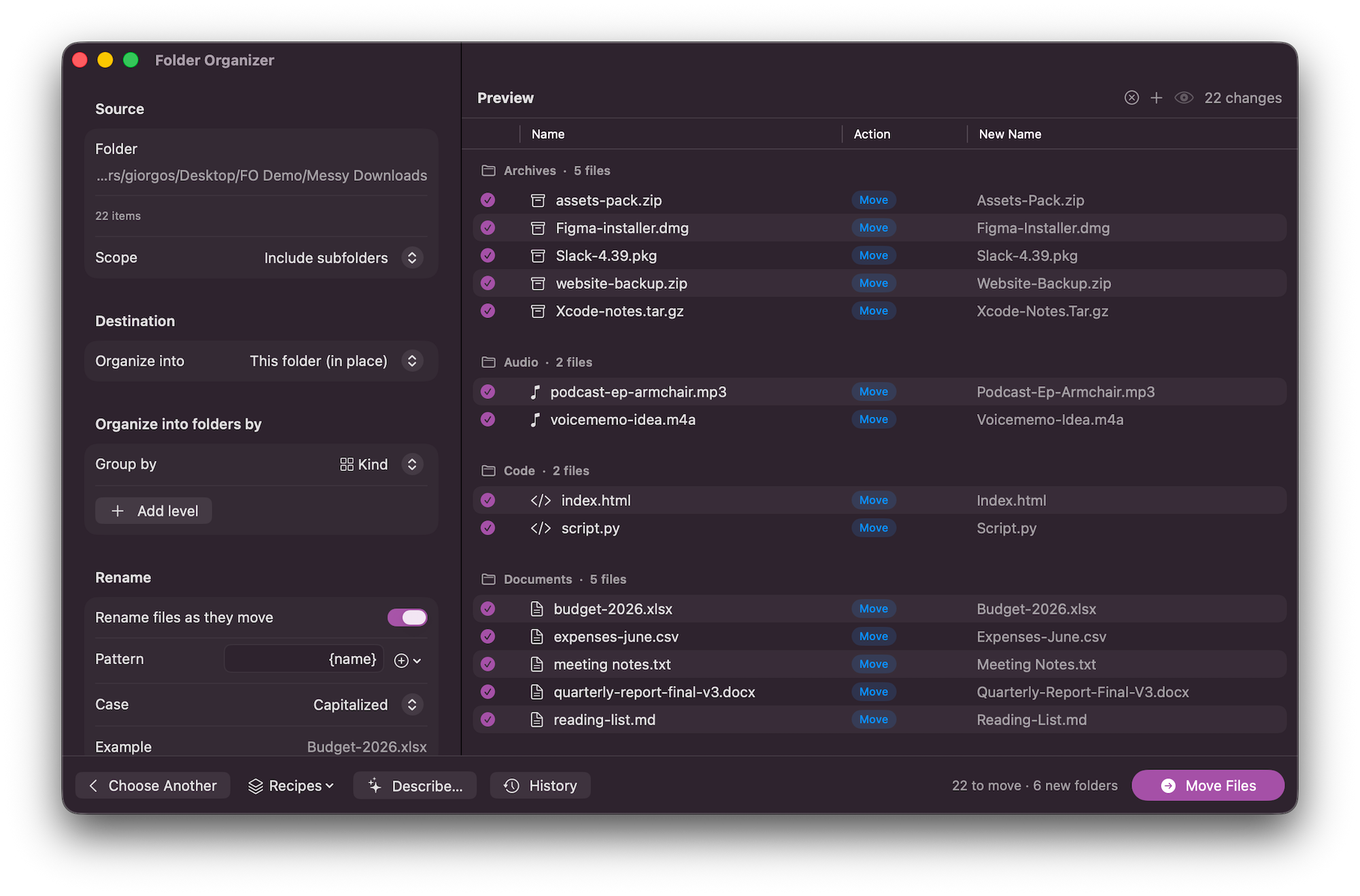
By kind, extension, Finder tag, first letter or size — or nest them, like kind and then year.
Dates, your format
Year, quarter, month, week or day — with an example of the folder name as you choose.
Rename as you sort
Build names from the original name, a date, a counter, the parent folder or the file type.
Save your setups
Keep the arrangements you use often and apply them again in a single click.
Quick Look built in
Press Space on any row to see the file before you decide where it goes, just like Finder.
Shortcuts actions
Drop organizing and undo into your own automations. Needs macOS 15 or later.
Your Downloads folder is waiting
Ten seconds to sort it. One click to undo it if you change your mind.
macOS 14 or later · One-time purchase · No account, no subscription